Challenge
Configure Javascript challenge settings
Overview
Haltdos provides you the ability to send Javascript challenge at client side by either throwing a Captcha Challenge or a Crypto
Challenge.
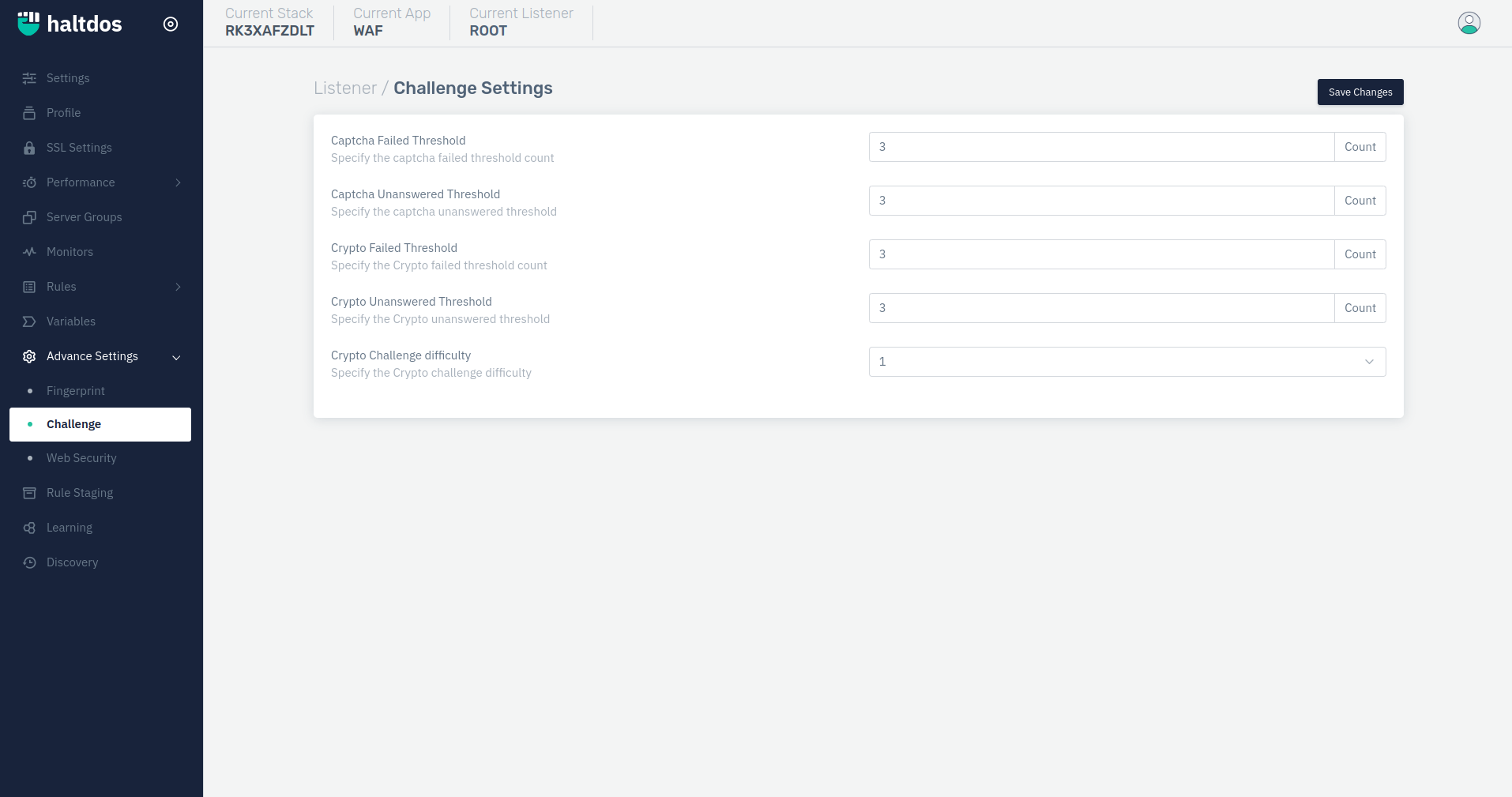
How to Use :
- Go to WAF > Listeners > Advance Settings > Challenge
- Perform changes to default configuration.
- Click Save Changes
Description
Captcha Failed Threshold
Specify the captcha failed threshold count i.e maximum attempts given to client for completing the captcha challenge
    Accepted values: Integer

    Default: 3
Captcha Unanswered Threshold
Specify the captcha unanswered threshold i.e maximum attempts given to client for refresing the captcha challenge
    Accepted values: Integer

    Default: 3
Crypto Failed Threshold
Specify the captcha failed threshold count i.e maximum attempts given to client for completing the crypto challenge
    Accepted values: Integer

    Default: 3
Crypto Unanswered Threshold
Specify the captcha unanswered threshold i.e maximum attempts given to client for refresing the crypto challenge
    Accepted values: Integer

    Default: 3
Crypto Challenge difficulty
Specify the Crypto challenge difficulty i.e the level of crypto challange that will be sent to the client.The range is 1 - 9.
    Accepted values: Integer

    Default: 1