kb-4002
How to Configure Blacklist and Whitelist IP addresses through Haltdos GSLB Solution?
Problem Statement
Client wants Configure Blacklist and Whitelist IP addresses through haltdos Solution to restricts the requests coming from specified IP Prefixes permanently.
Solution
The client can achieve the above requirement by utilising the Geo Filtering under Haltdos GSLB.
- First, log into the haltdos management console.
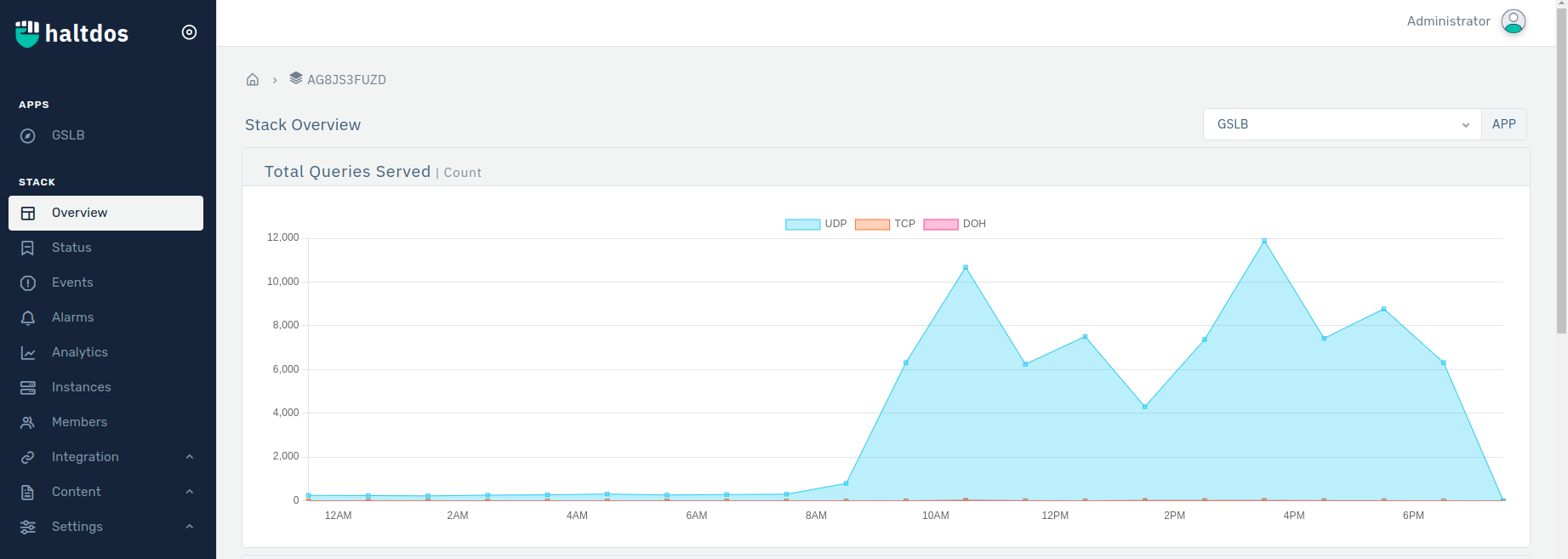
- Click on GSLB > Select a Listener > Click on Geo Filtering .
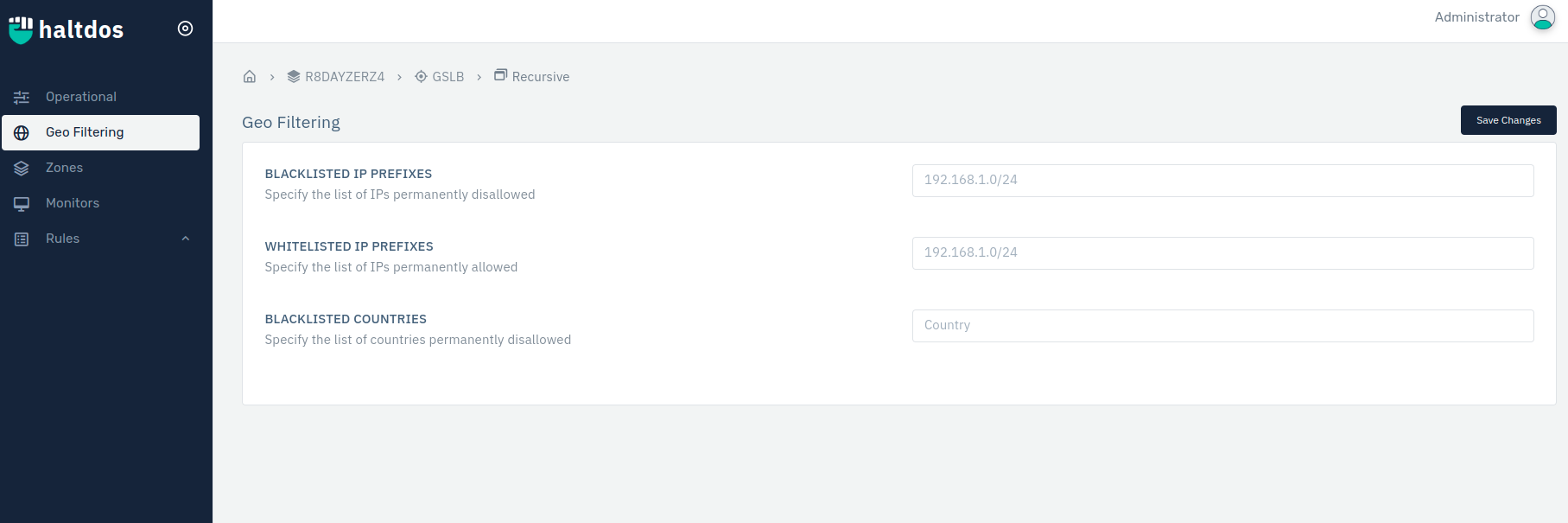
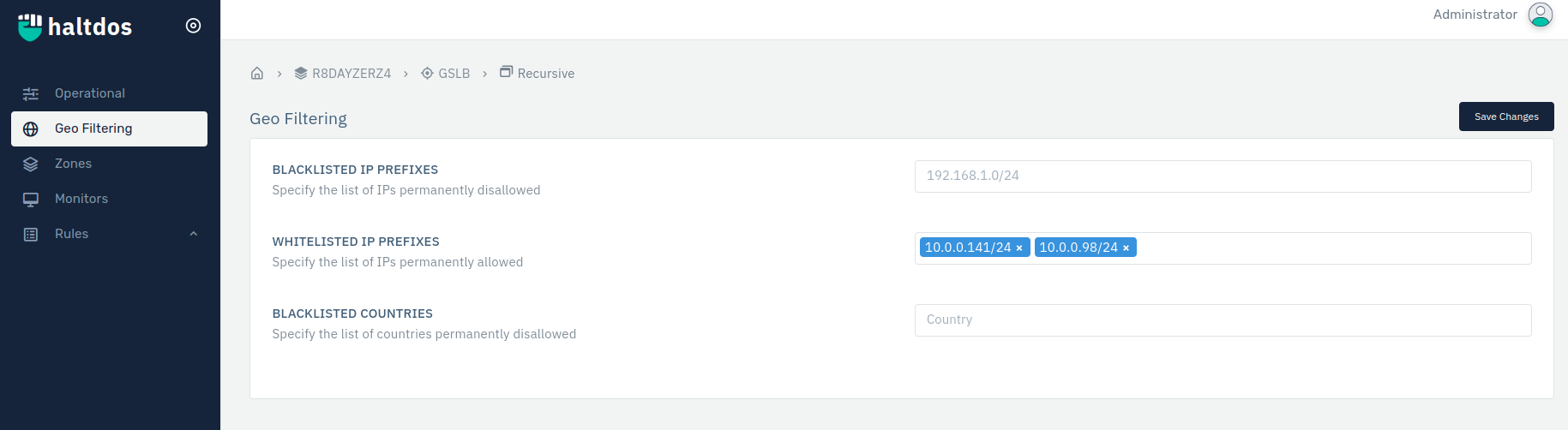
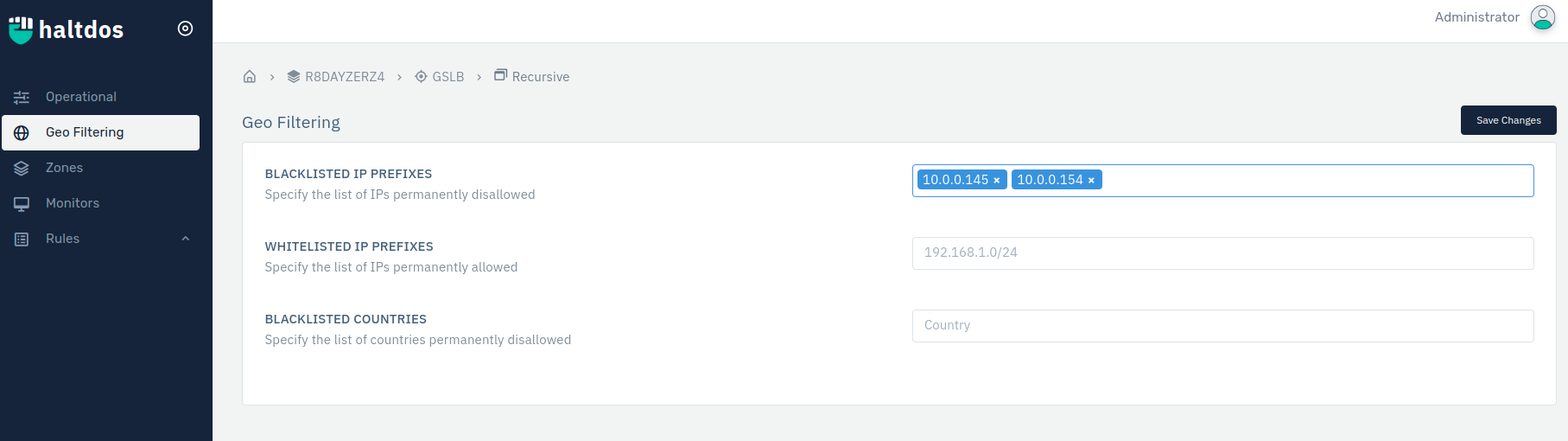
- Type the IP addresses you want to block from accessing your DNS Server > Click Enter > Click Save Changes.
- Type the IP addresses you want to allow from accessing your DNS Server > Click Enter > Click Save Changes.