kb-4007
How to set Policy Rule through GSLB Solution?
Problem Statement
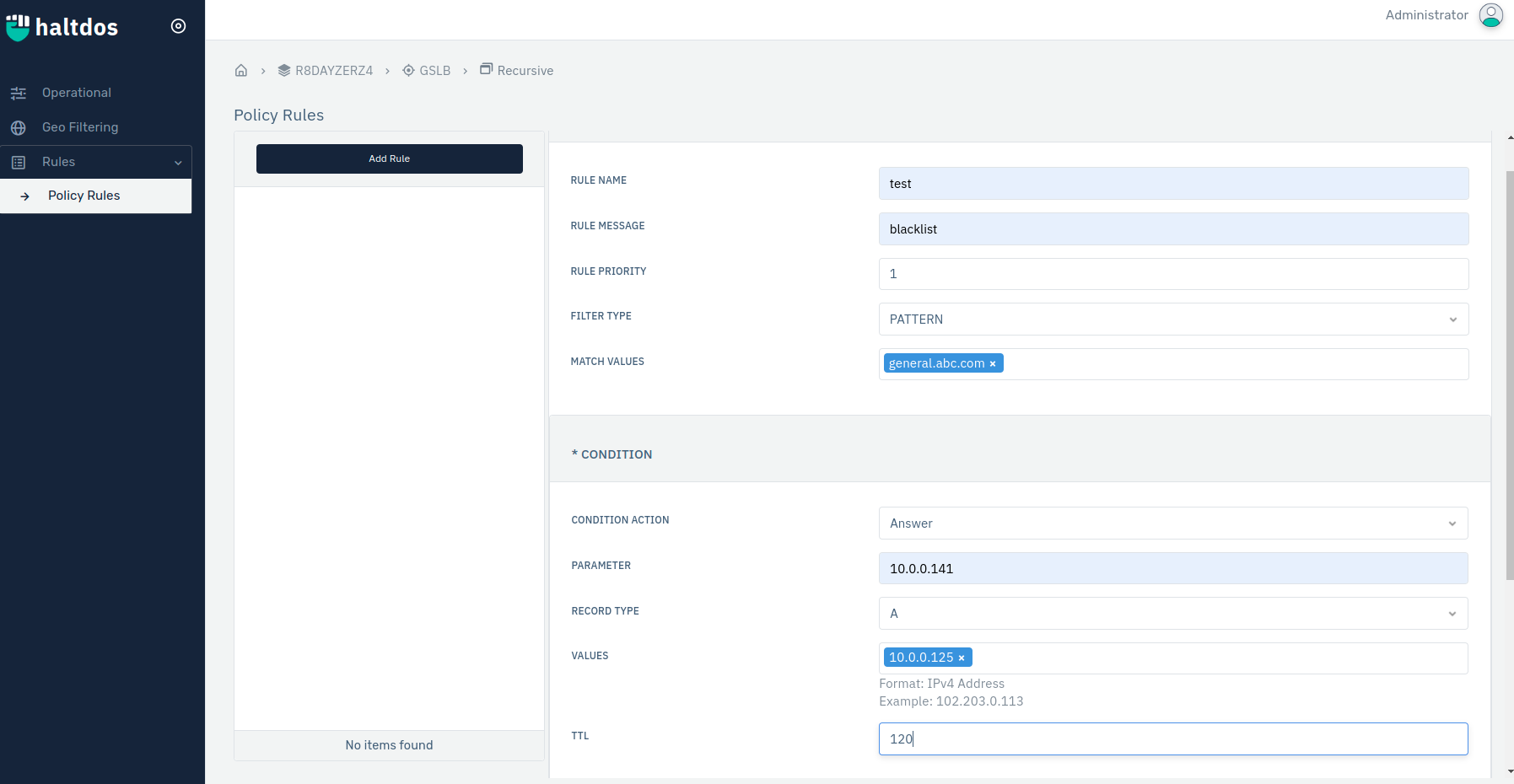
Client wants to set Policy Rule on there DNS Resovler to have a custom type DNS and also to manage the upcoming traffic and queries.
Solution
The client can achieve the above requirement by utilising the Rules under Haltdos GSLB.
- First, log into the haltdos management console.
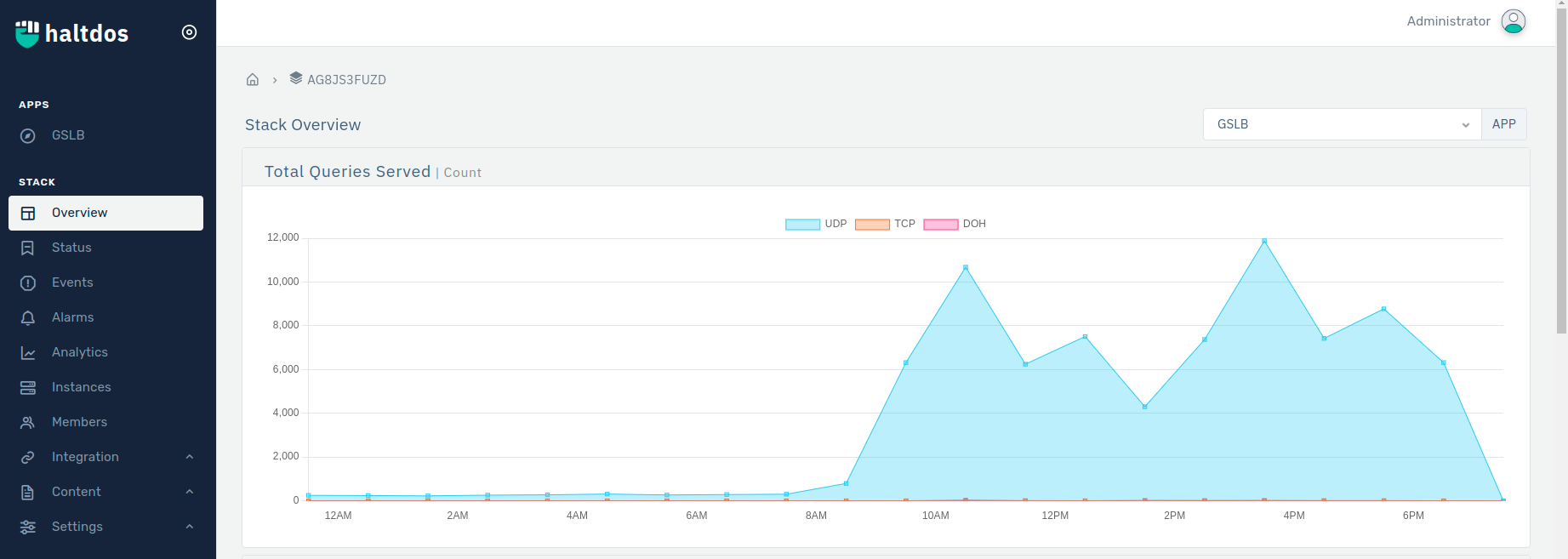
- GSLB > Listener > Configure Listener >Rules > Policy Rule. > Add Rule.
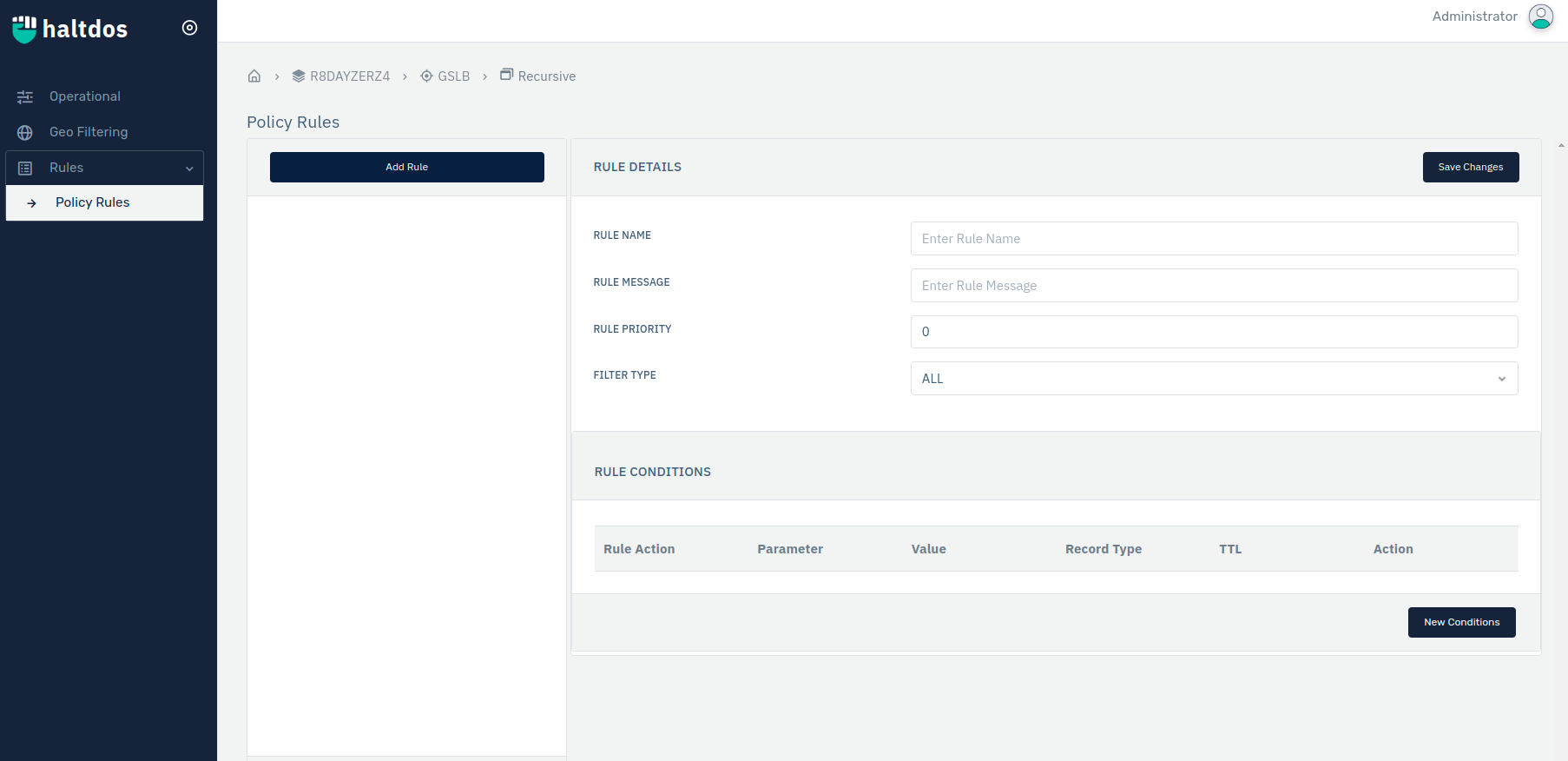
- Add Rule > Configure Rule Details > Click New Condition > Click Save Condition > Click Save Changes.