kb-4006
How to configure a Authoritative DNS Zone Record?
Problem Statement
Client wants to set a Authoritative DNS to answer all the recursive DNS nameservers about where specific websites can be found.
Solution
The client can achieve the above requirement by utilising the Zone Record under Haltdos GSLB.
- First, log into the haltdos management console.
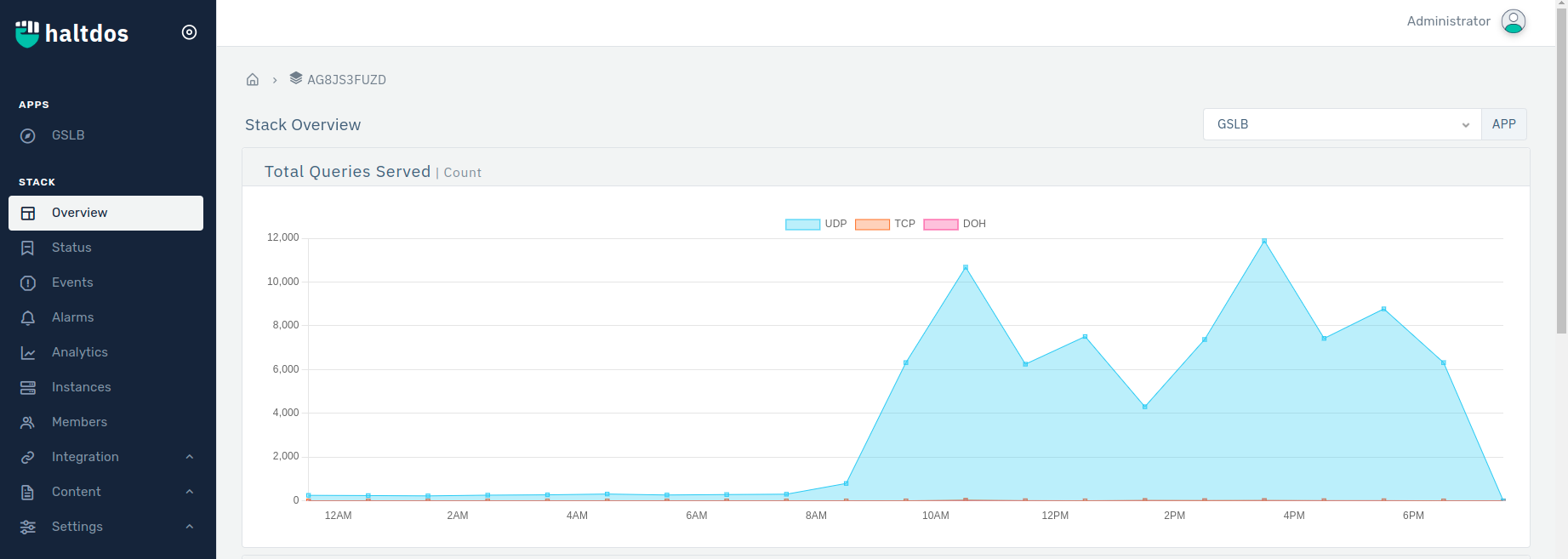
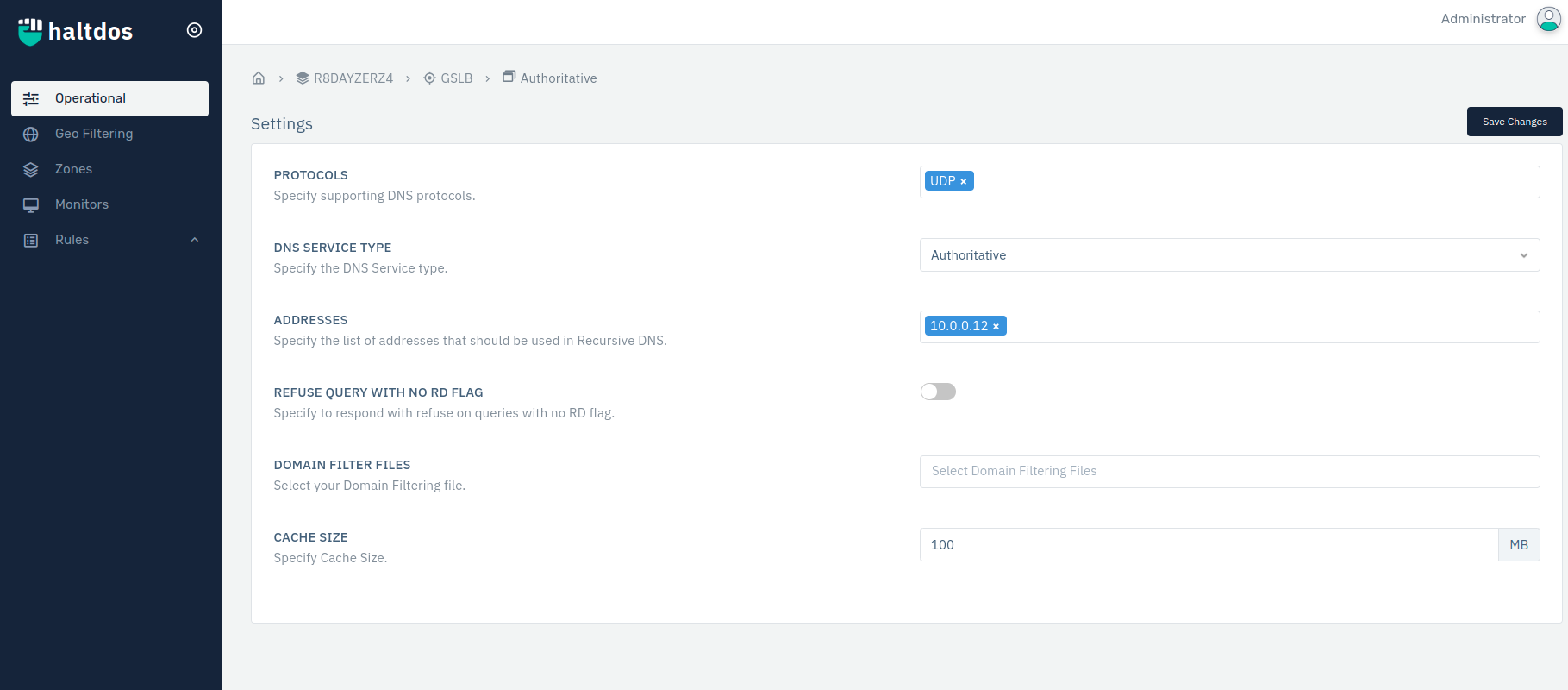
- Click on GSLB > Go to Listener > Configure Listener by IP address and Select Authoritative DNS from DNS Service Type Drop Down.
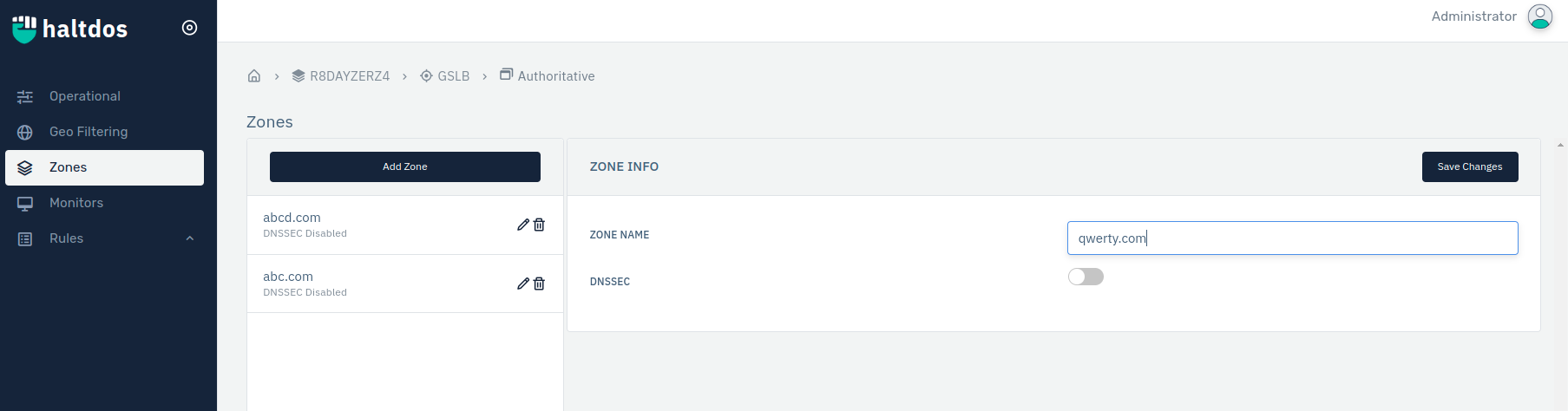
- Click Zone > Configure Zone >Click on Save Changes.
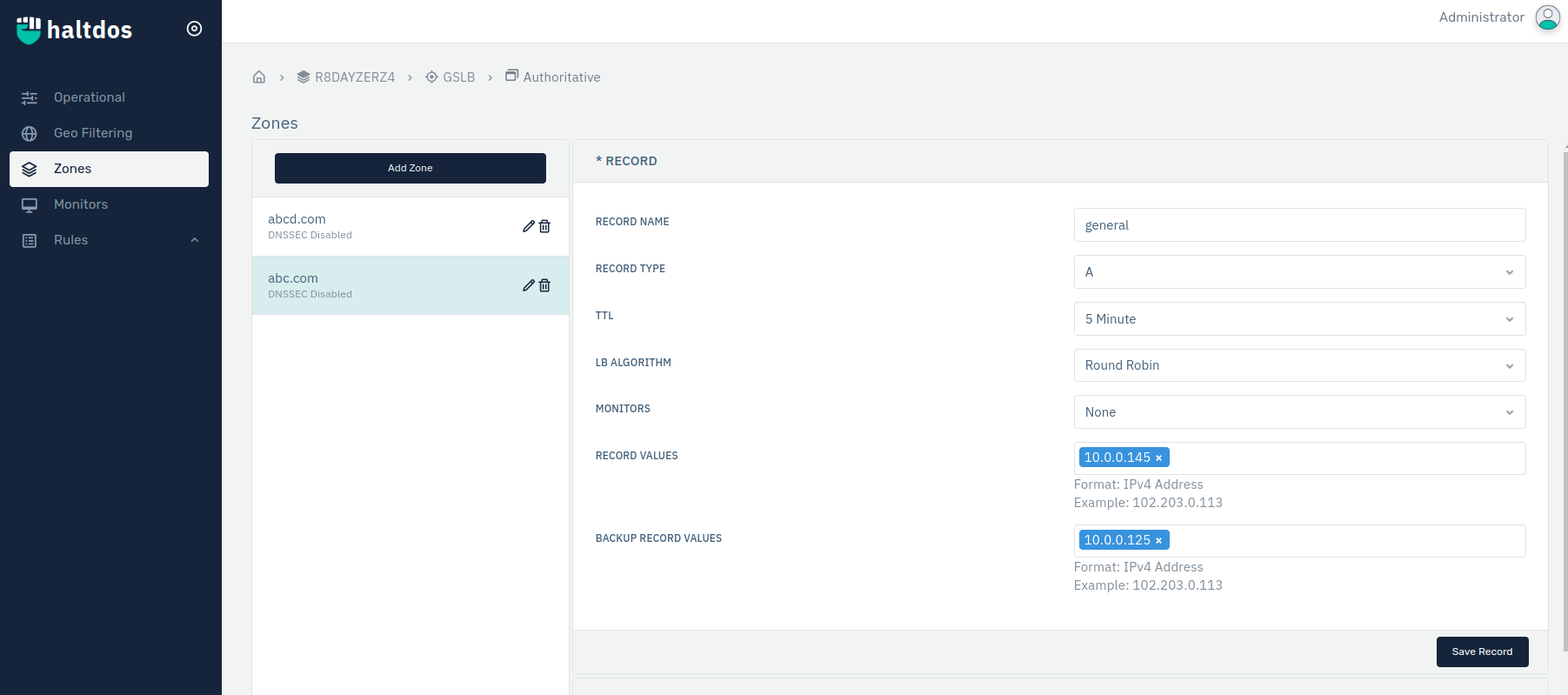
- Click on Zone > Add Record > Configure Zone Record > Click on Save Record.