Listener
Overview
Make GSLB listen on specific ports to accept connections and distribute across one or multiple origin servers.
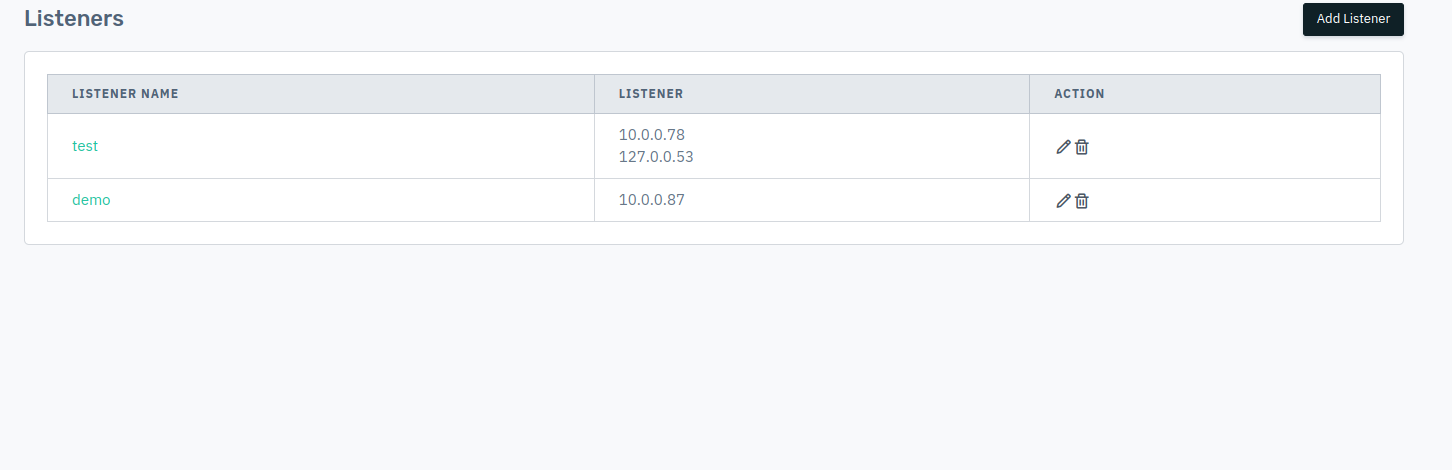
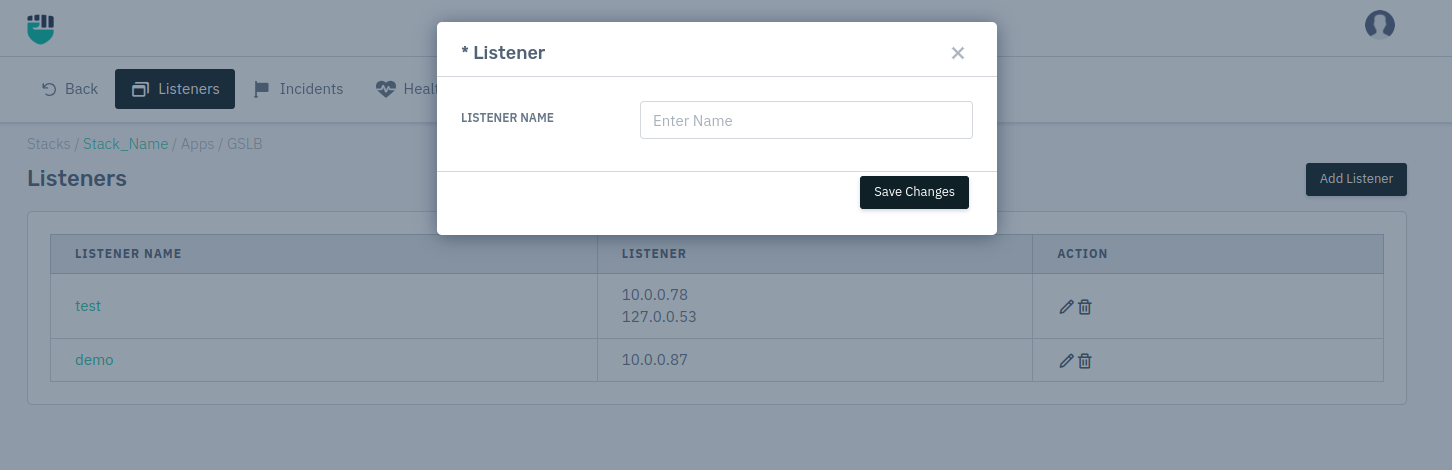
How to Use:
- Go to Stack > GSLB > Listener
- Click Add Listener button.
- Type the Listener Name > Click on Save Changes
- Click on the Listener you have created.
- Under Operational > Under Address, User can specify the IP of that Listener that has been created.
- Click on Save Changes.
- Listener IP will be saved.
Listener
It shows the name of the added listener, click on the edit icon to edit listener's name.
    Accepted values: String

    Default: Blank