KB: 1039
How to configure web extensions and restricted extensions and validation?
Problem Statement
The user wants to configure web extension for which Human Authentication will be enabled. Also, user wants to configure the extensions that should be blocked.
Solution
Steps to Solve:-
- Login into Haltdos console.

- Go to Apps > WAF > listener > profile > profile settings > policy > Web Policy.
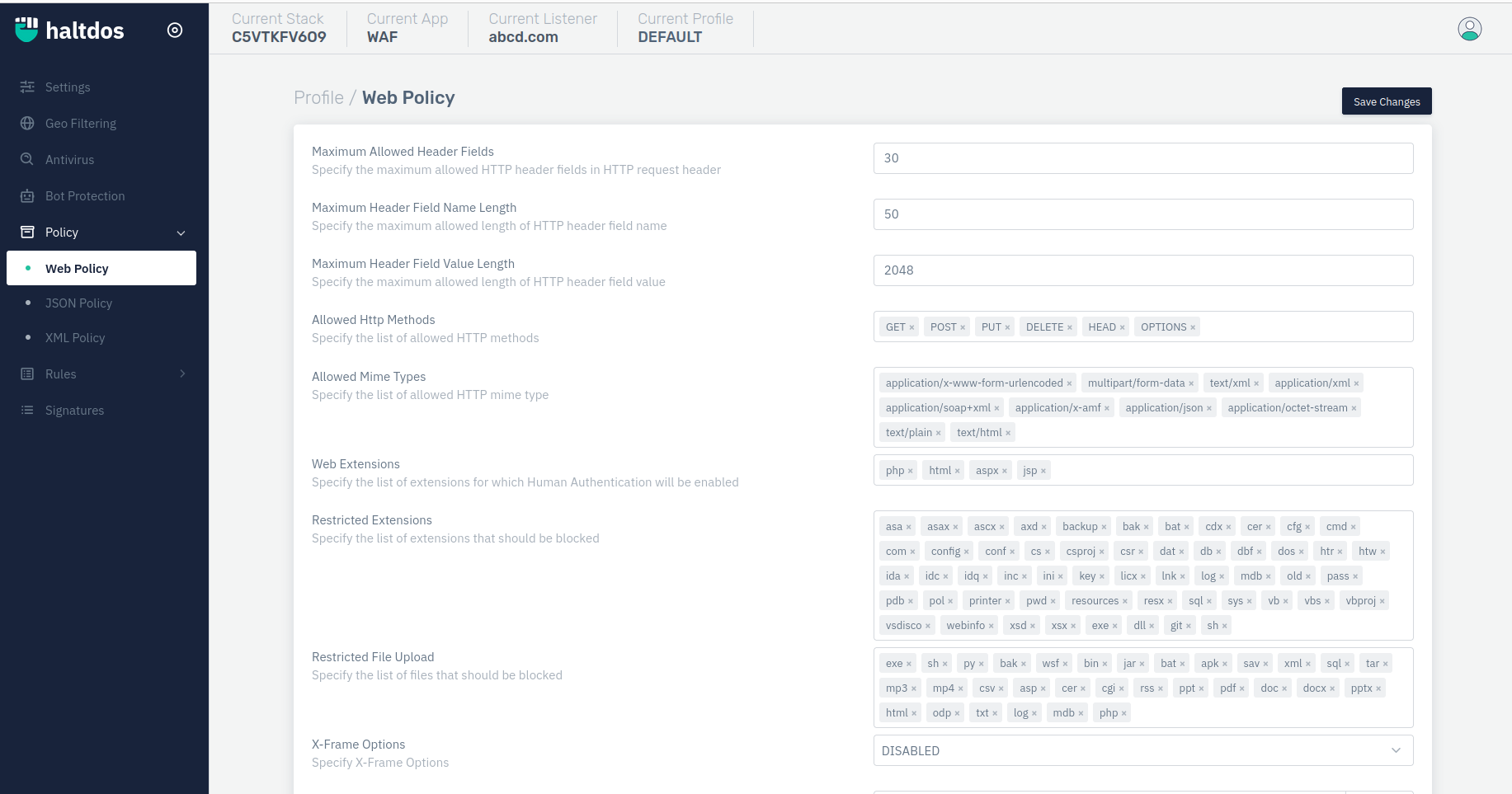
- Using option "Web Extensions" & "Restricted Extensions" user can get desired results. Like for example we have restricted file upload extension of ".exe".
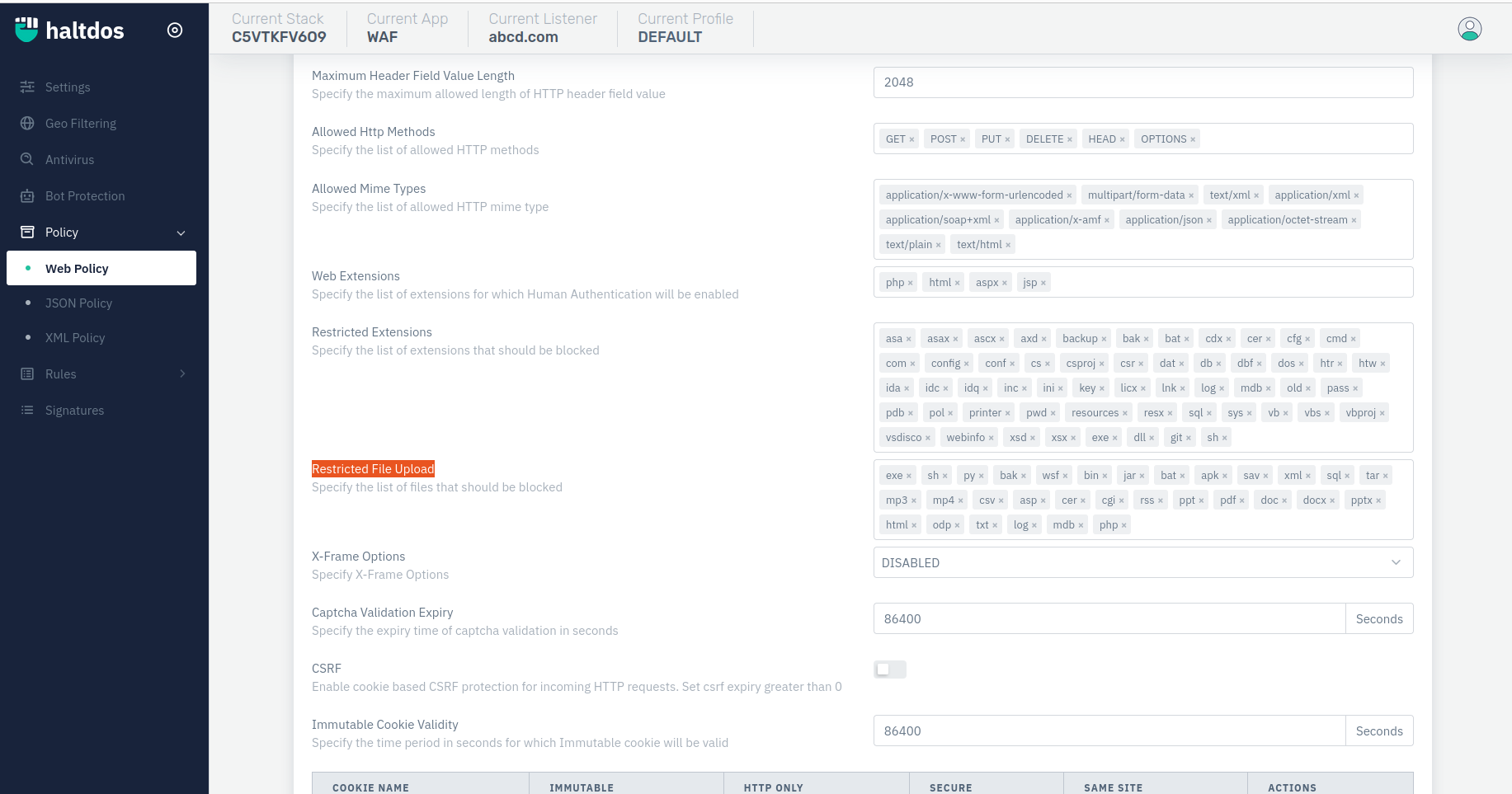
- Once configuration done, click on save changes and as a resultant file upload request was dropped and an event is generated.
