KB: 1023
How to change load balancing algorithm for any server group?
Problem Statement
The User wants to change the load balancing algorithm for any particular server group so that it can balance the load as per the requirement.
Solution
Steps to Solve:-
- Login into Haltdos console.
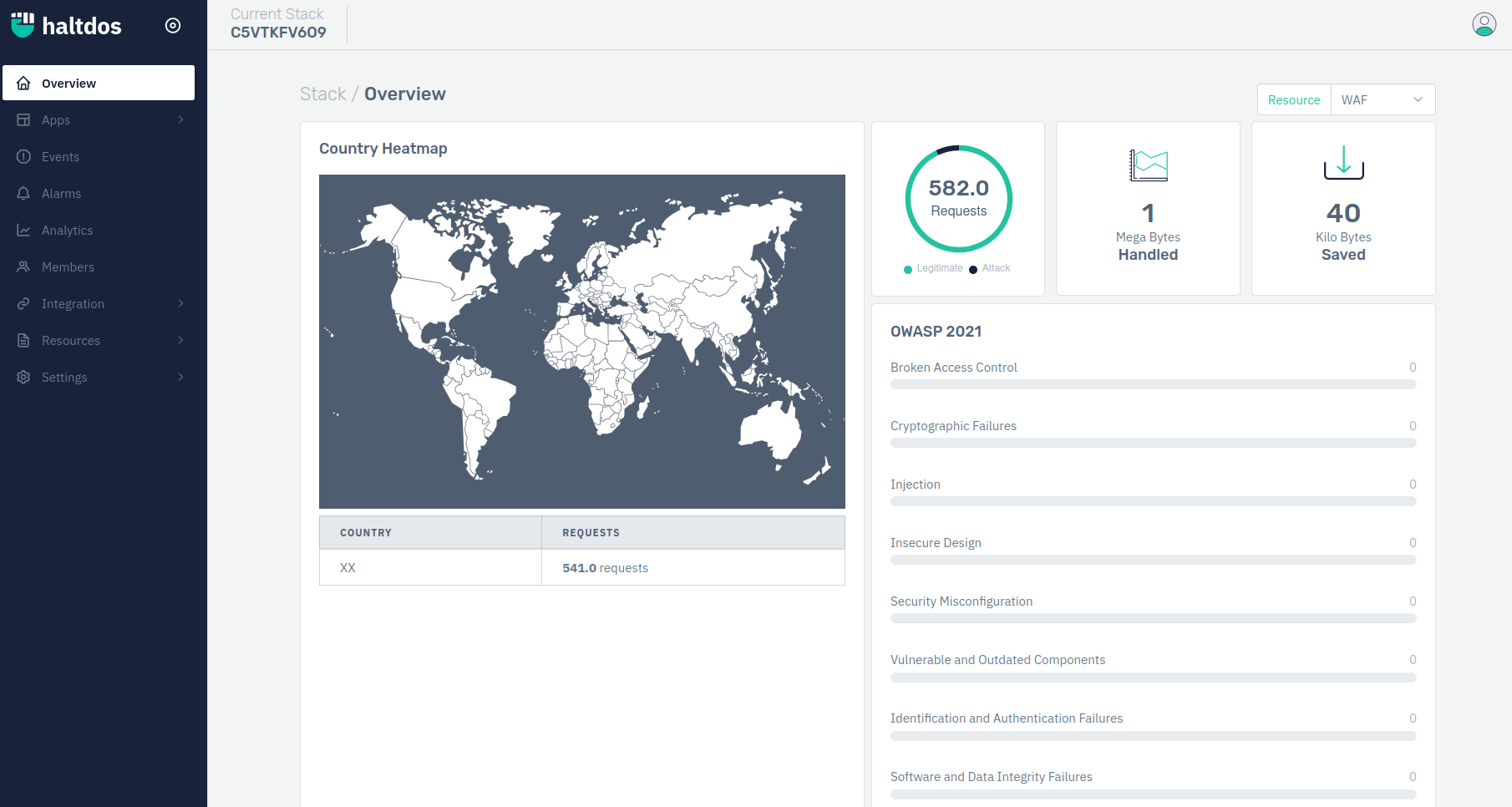
- Now go to Apps > WAF > listener > Server Group > Load Balancing

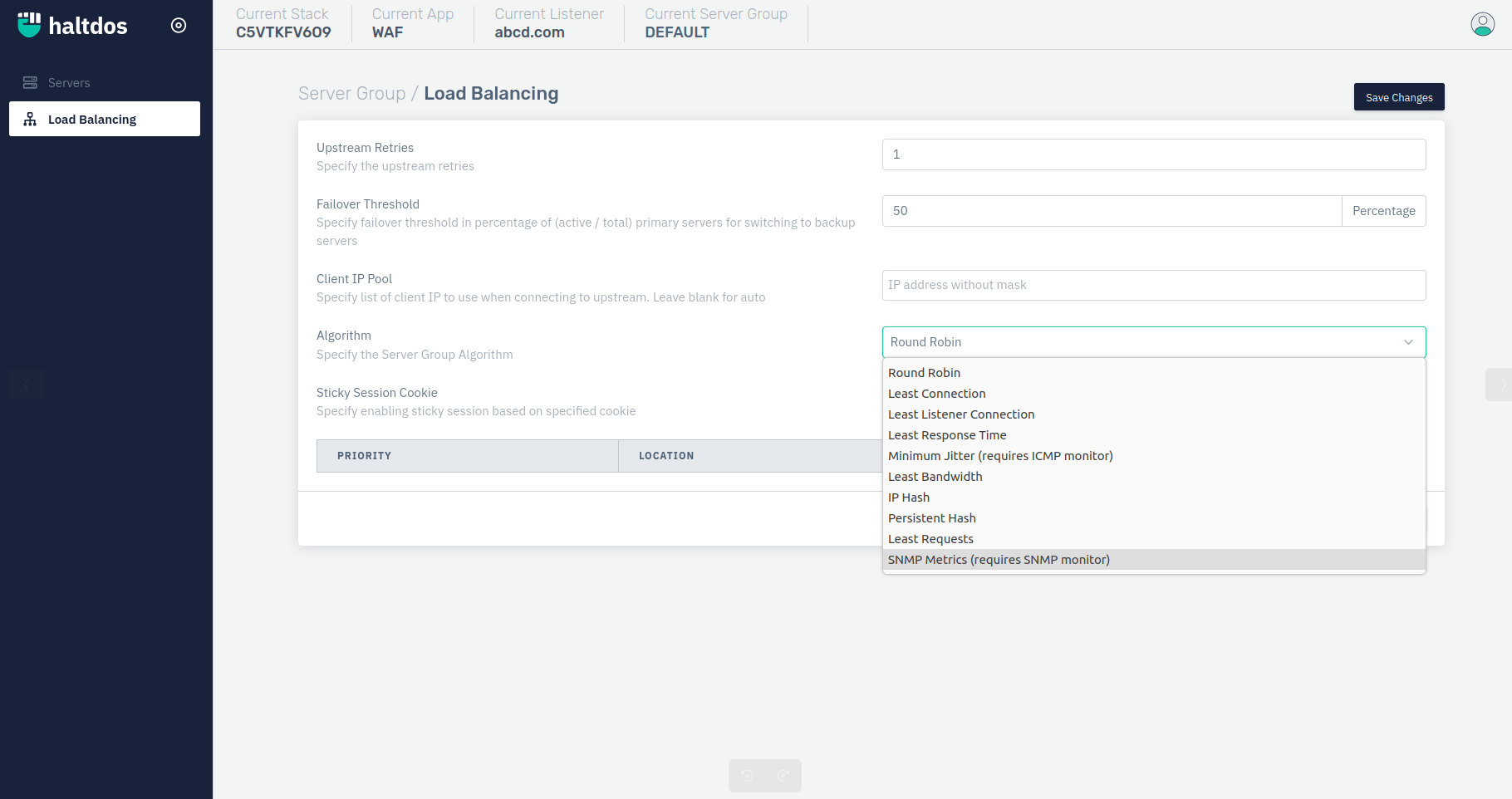
- User can select the desired algorithm under the option "Algorithm". Users can select any of the following load balancing methods;
a. Round Robin
b. Least Connection
c. Least Listener Connection
d. Least Response Time
e. Minimum Jitter ( requires ICMP monitor)
f. Least Bandwidth
g. IP Hash
h. Persistent Hash
i. Least Request
j. SNMP Metrics (requires SNMP Monitor)