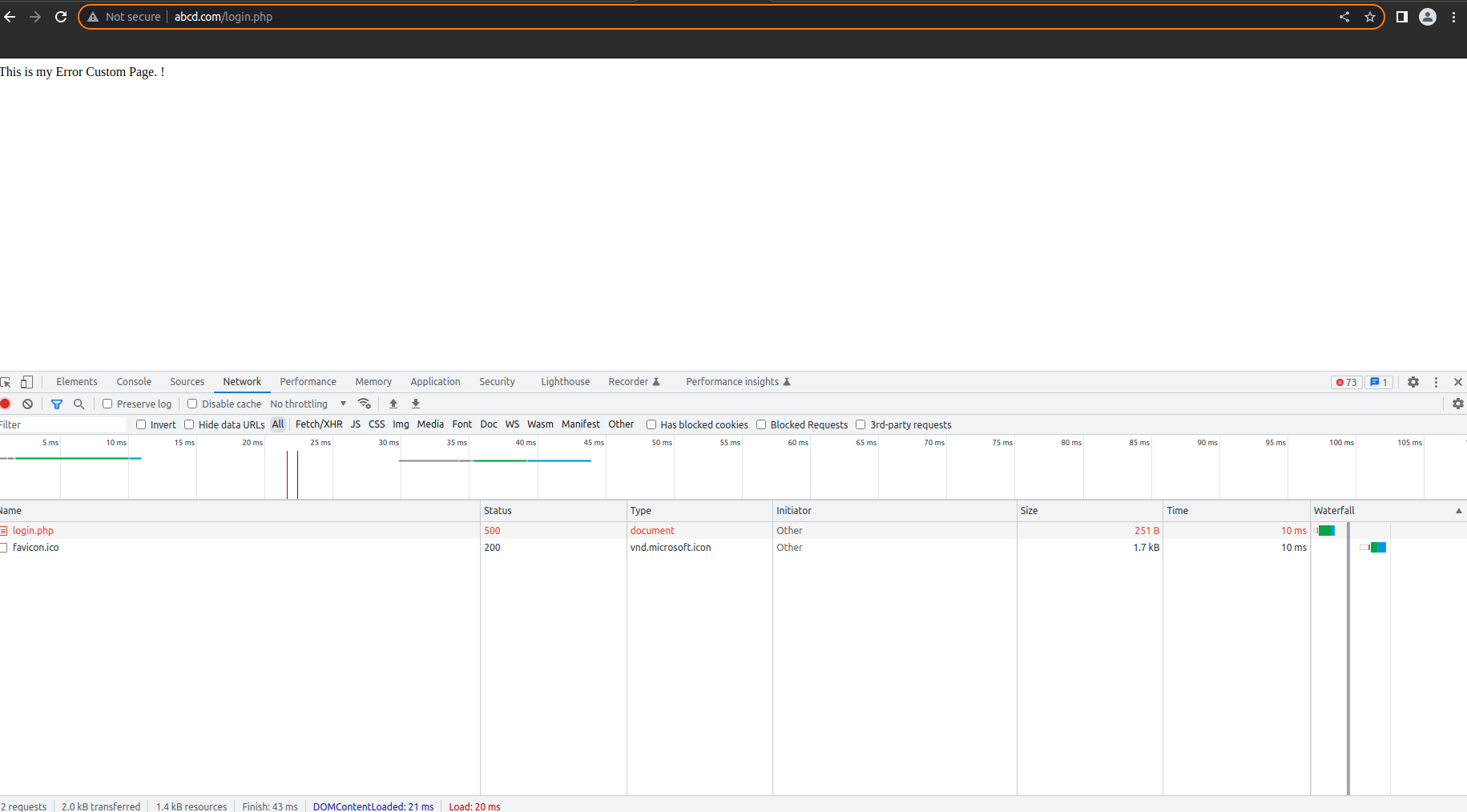
KB: 1015
How to configure custom HTML error page received from Haltdos Web Application Firewall.
Problem Statement
The user wants to customize the error page from Haltdos WAF.
Solution
Steps to Solve:-
-
Login into Haltdos console.
-
Go to Apps > Resources > Web Pages
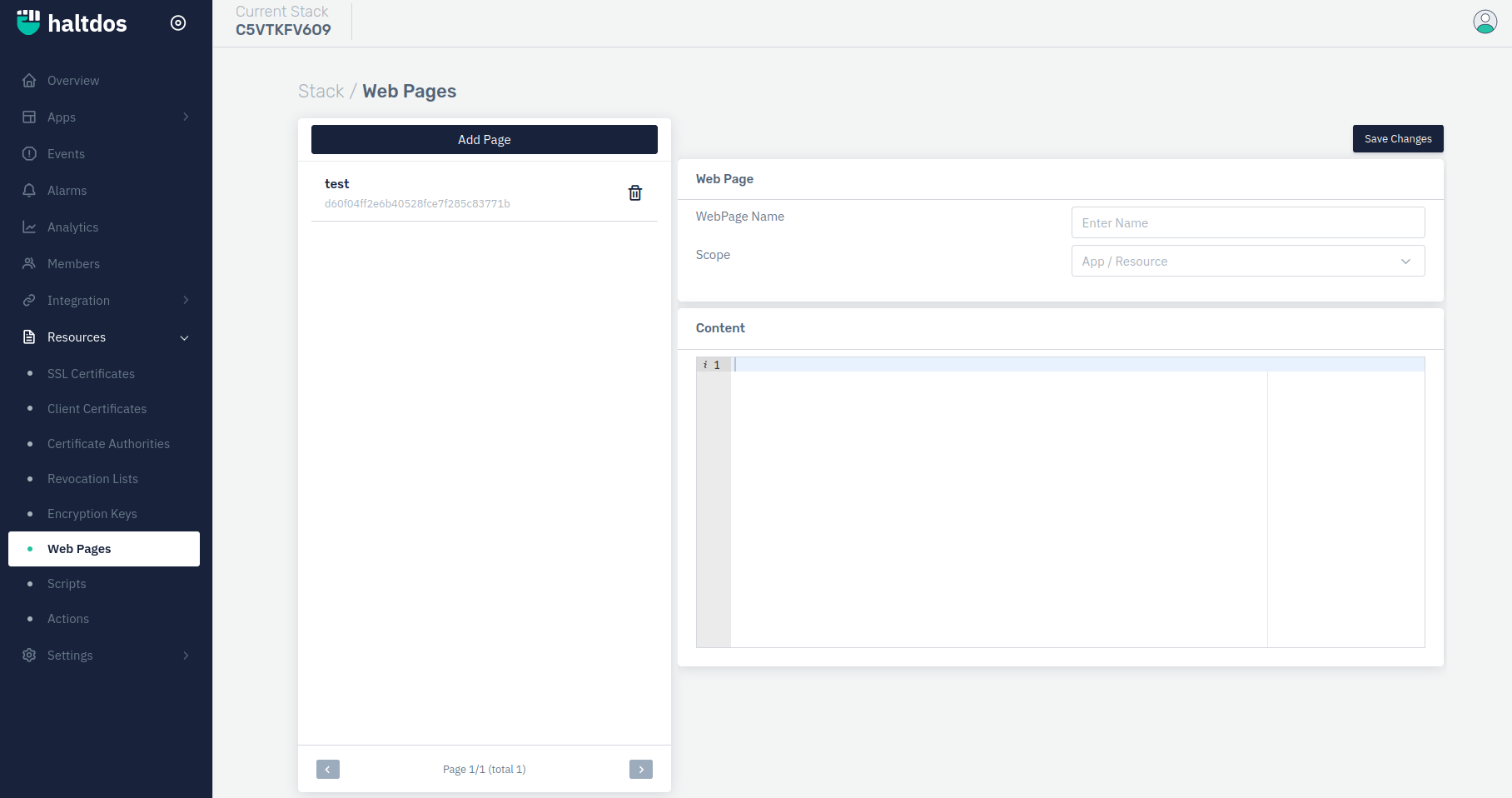
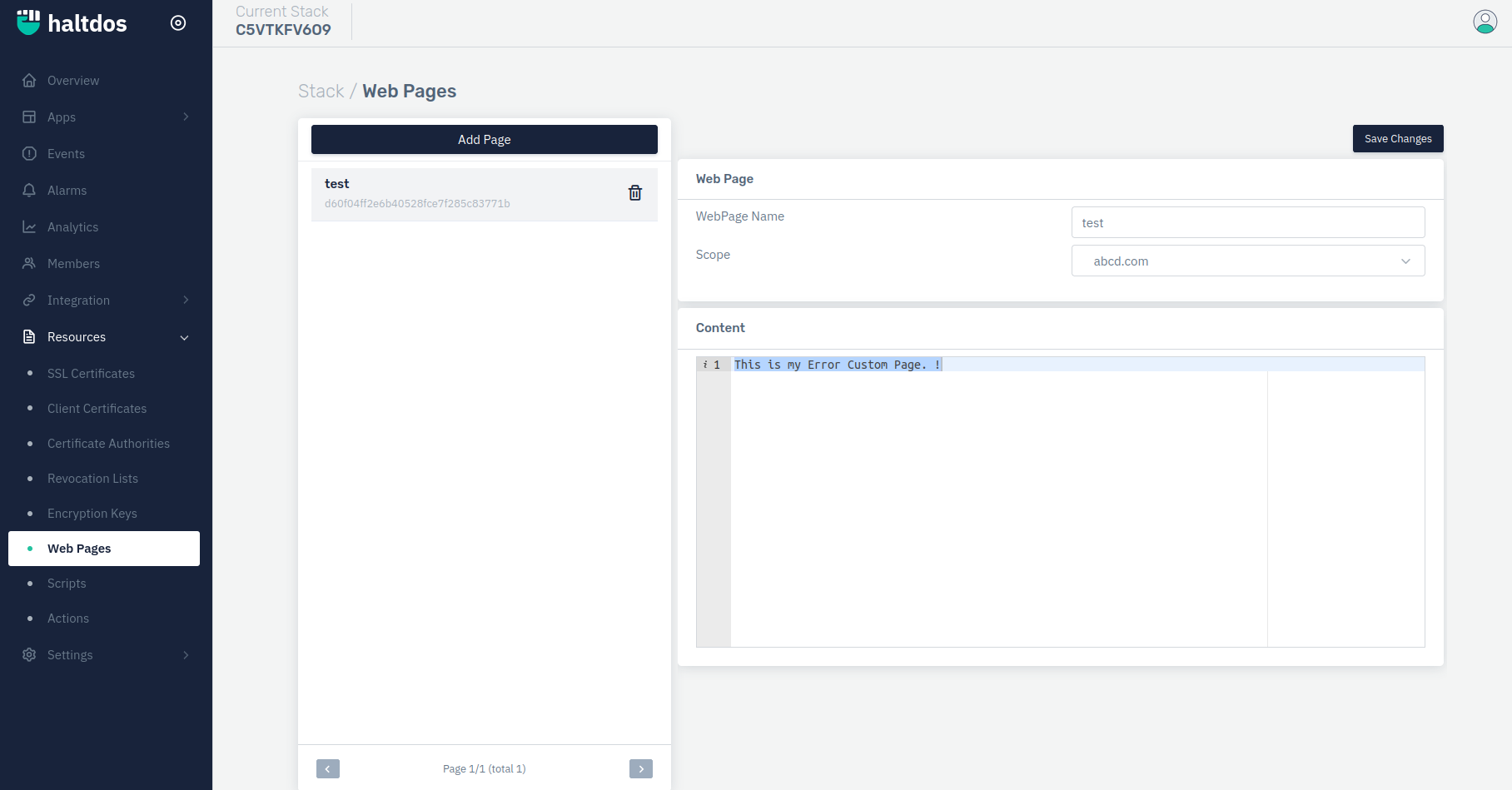
- Click on "Add Page" option and write HTML code for error page and save changes.
- Now go into the listener by clicking on listener name, select error rule under rules drop down menu.
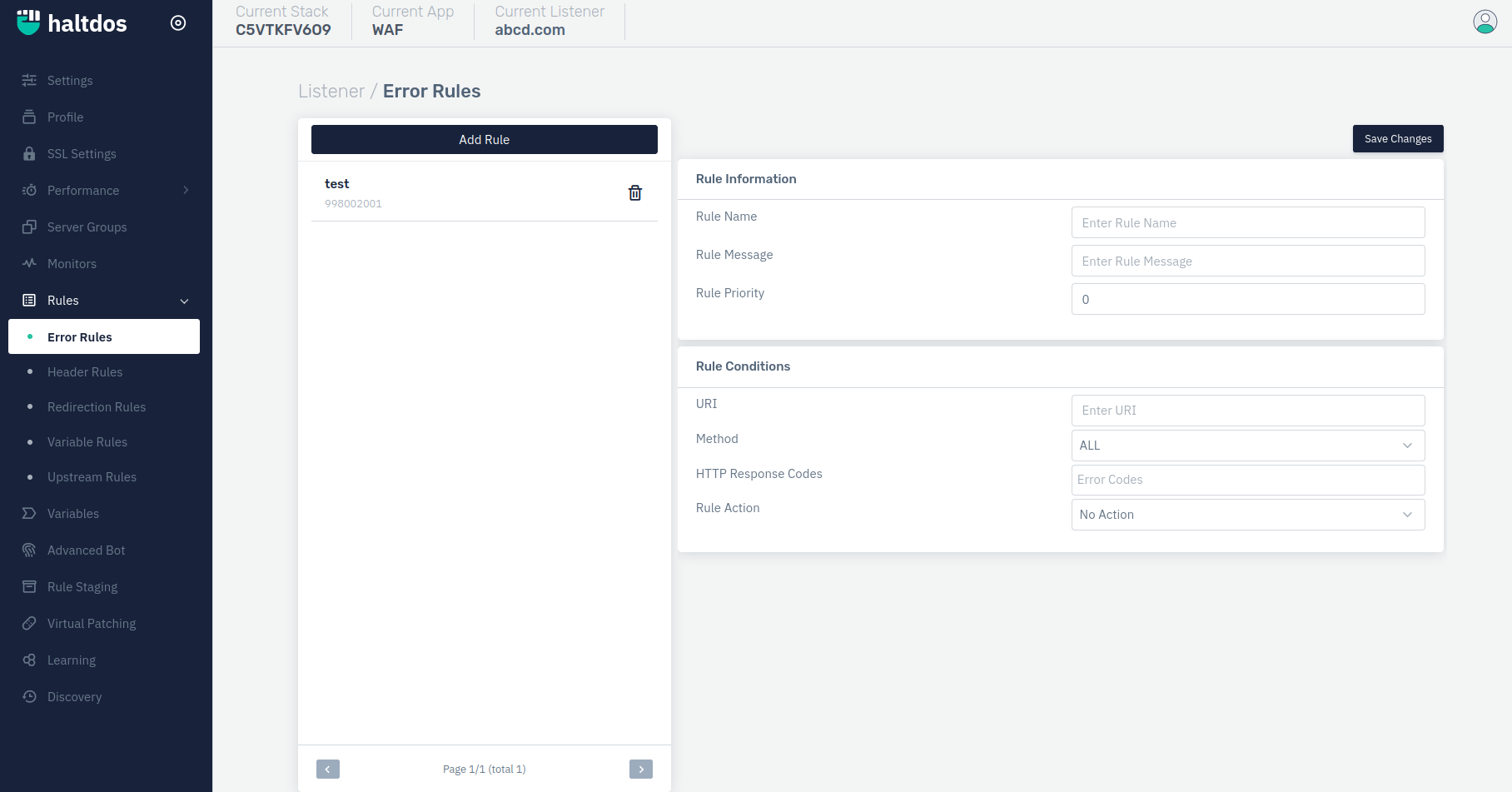
- Configure the rule as per our requirement and select the error page we have created before.
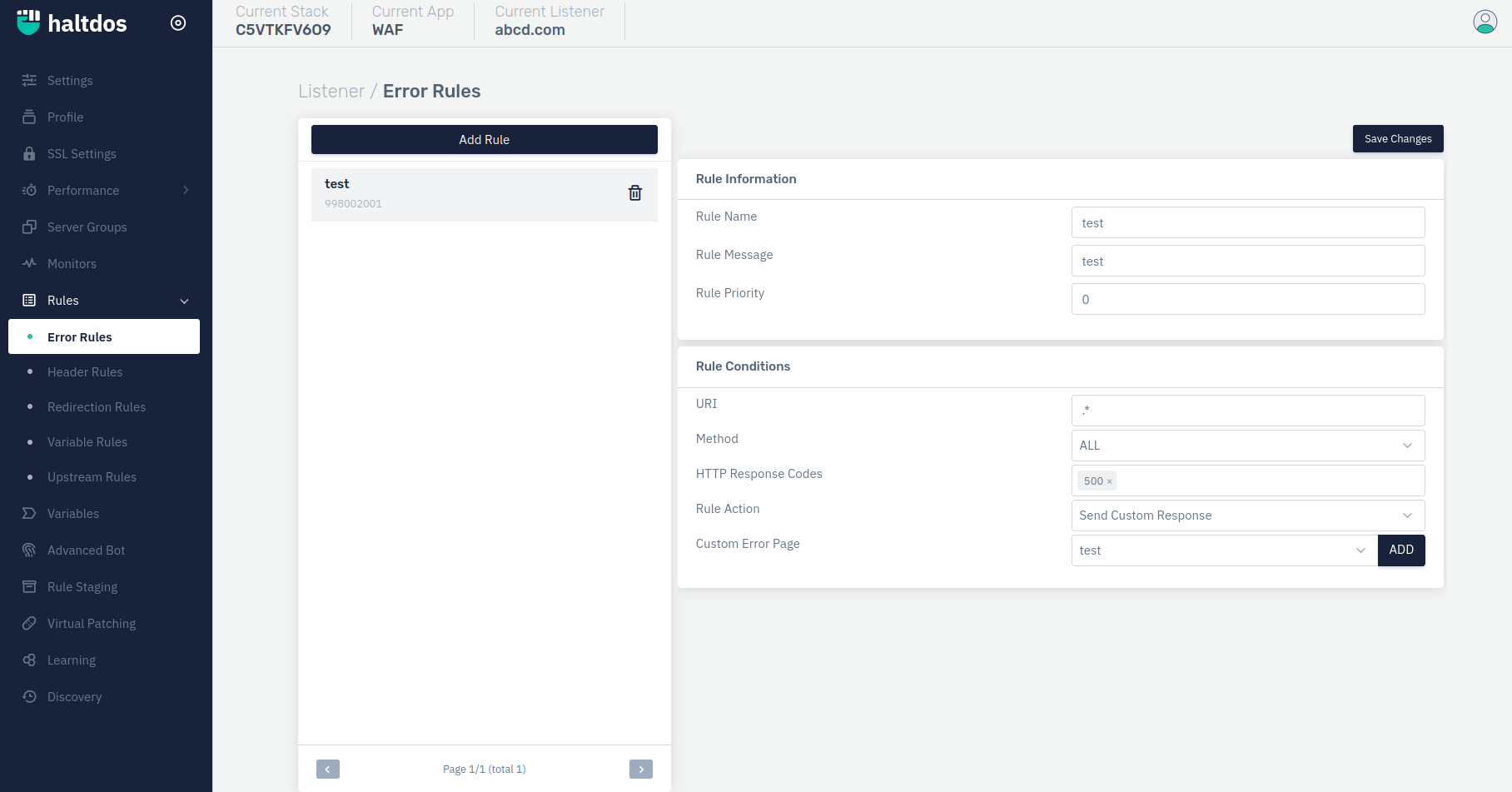
- Click on save changes. In this way users can configure the error page rule to send custom error page response.