kb-2014
How to enable IPv6 support in listener?
Problem Statement
The client requires IPv6 to be enabled on the listener level.
Solution
The above requirement can be achieved by enabling IPv6 option under listener in Haltdos SLB.
Steps to Solve
Step 1:- First log into the Haltdos management portal.

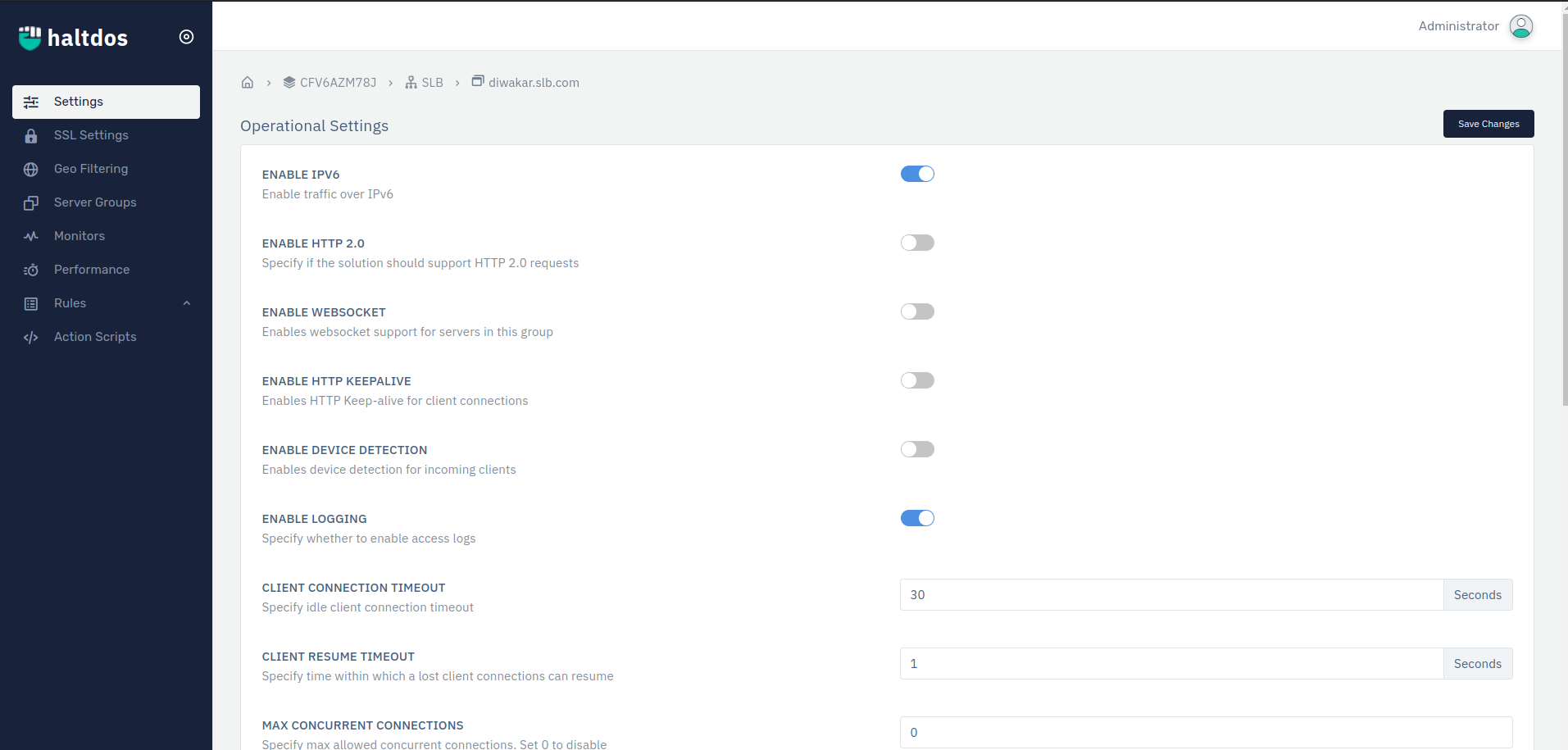
Step 2:- Go to Stack > SLB > listener name > listener settings.
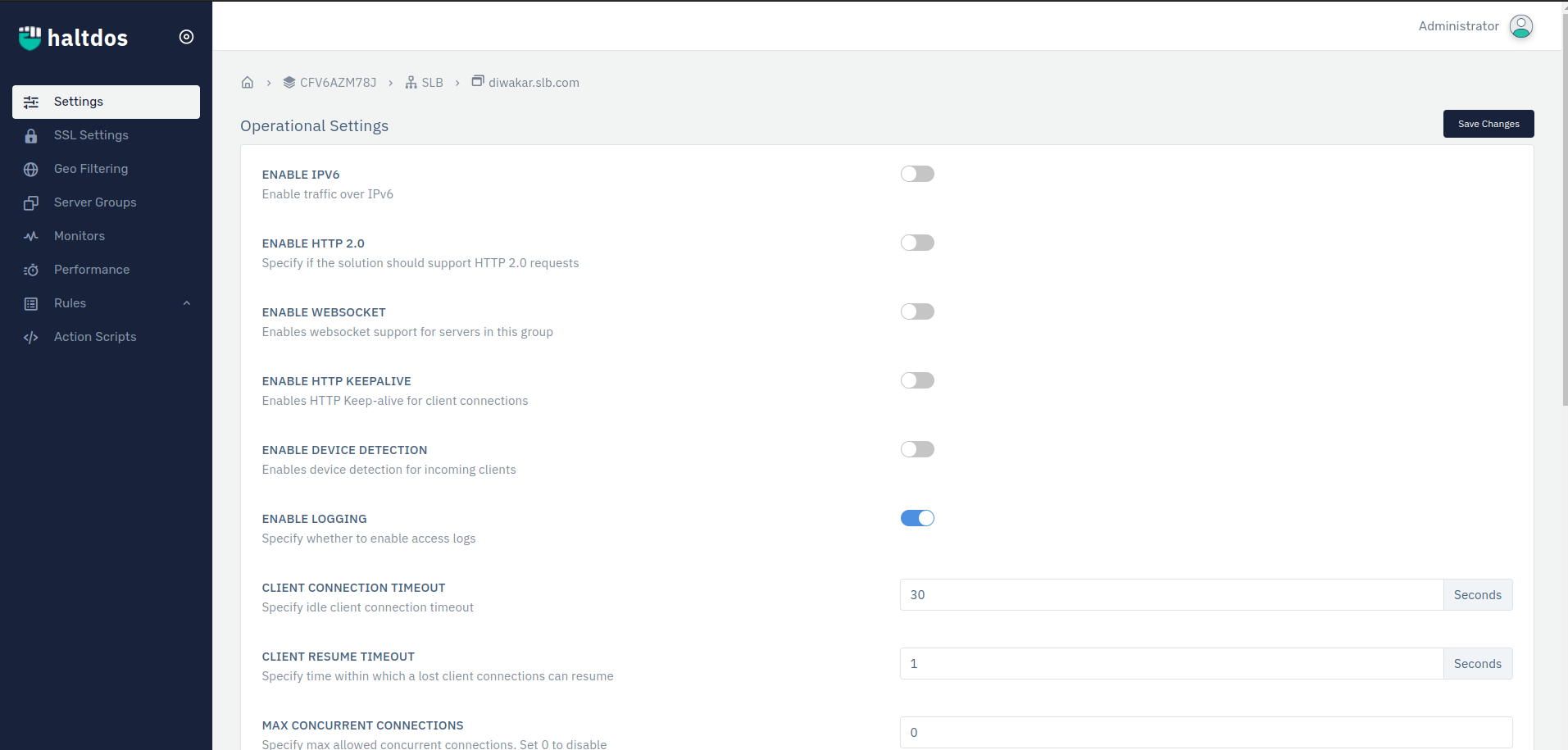
Step 3:- Enable IPv6 option.
Step 4:- Go to Stack > Instance > Click on Instance name > Network > Ethernet. Select the active interface and enable IPv6 address option and configure the settings.
Step 5:- Click on save changes.
In this way client can enable IPv6 support in their listener. Client will add static/dynamic IPv6 address to listen.