Security
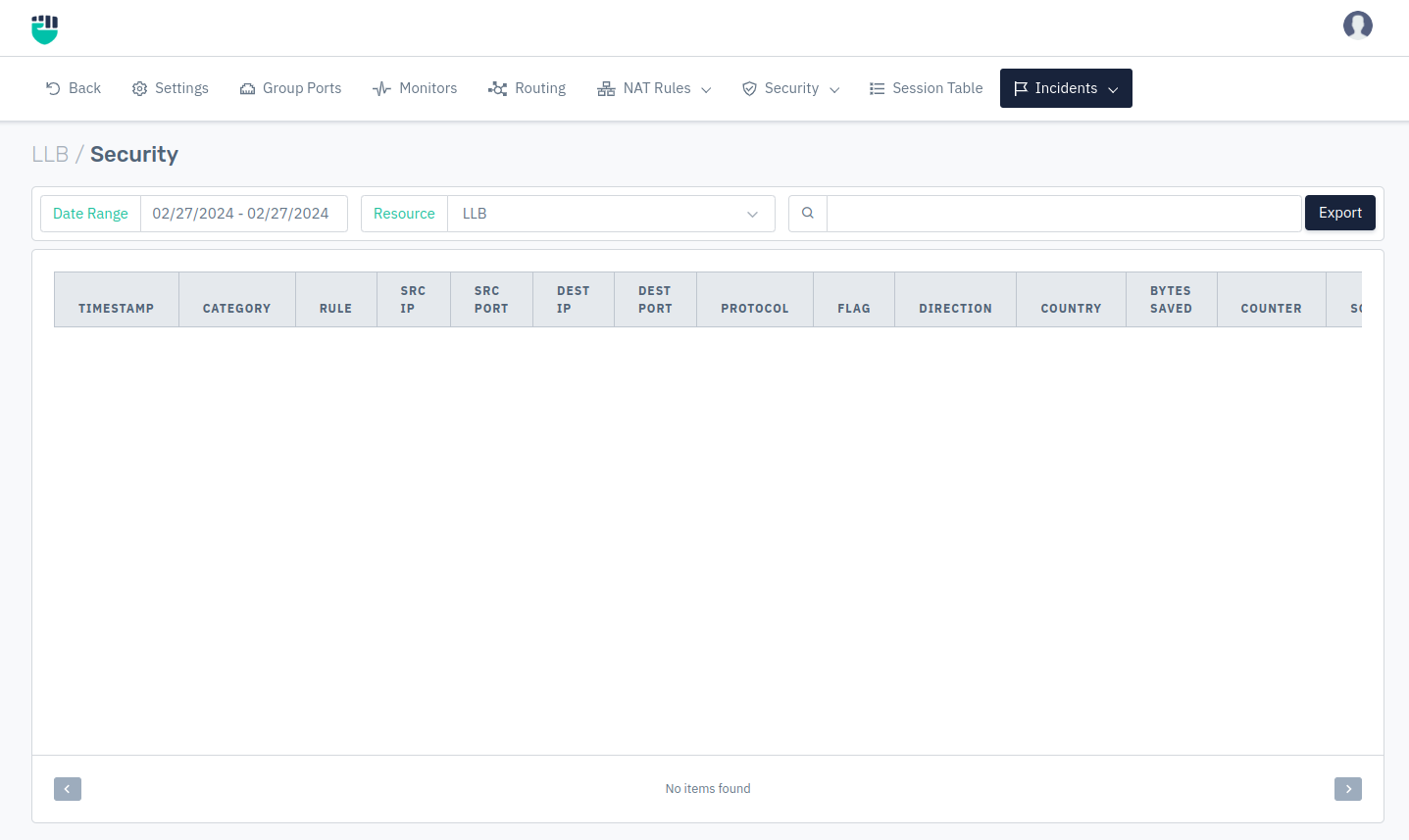
On the incident page, users can check packets captures by Haltdos LLB solution.
How to Use
- Go to Apps > LLB > Incident > Security
Users can customize the date range for the incident details & check incident details about specific network profiles. Users can see the following incident details.
| Fields |
|---|
| TIMESTAMP |
| CATEGORY |
| RULE |
| SRC IP |
| SRC PORT |
| DST IP |
| DST PORT |
| PROTOCOL |
| FLAG |
| DIRECTION |
| COUNTRY |
| BYTES |
| Counter |
| SCORE |
| ACTION |
Description
Timestamp
This column specify the timestamp for the event.
Category
This option specify the category for the event.
Rule
This option specify the rule and rule ID for the triggered event.
Src IP
This option specify the source IP for the event.
Src Port
This option specify the source port for the event.
Dest IP
This option specify the destination IP for the event.
Dest Port
This option specify the destination port for the event.
Protocol
This option specify the protocol used in communication for the event.
Flag
This option specify the TCP flag used for the communication.
Direction
This option specify the direction of the communication which has been dropped. The communication can be Inbound or outbound. Inbound communication indicates that traffic has been generated from the WAN and moving towards LAN segment. The Outbound communication indicates that traffic has been generated from the LAN and moving towards WAN segment.
Country
This option specify the country of the malicious IP.
Bit Saved
This option specify the overall bit count that has been blocked.
Counter
This option specify the overall count of the event that has been dropped.
Score
This option specify the packet score for the triggered event.
Action
This option specify the action for the triggered event. The Action can be dropped or log.