KB: 4004
How to configure DNS resolver to block the access to dangerous websites?
Problem Statement
Client wants to configure DNS resolver to block the access to dangerous websites. So if a computer queries the IP address of a known dangerous site that spreads malware, the DNS resolver can return NXDOMAIN as the DNS response, so the computer can’t connect to the dangerous site.
Solution
The client can achieve the above requirement by utilising the Domain Filter under Haltdos GSLB.
- Login into Haltdos console.
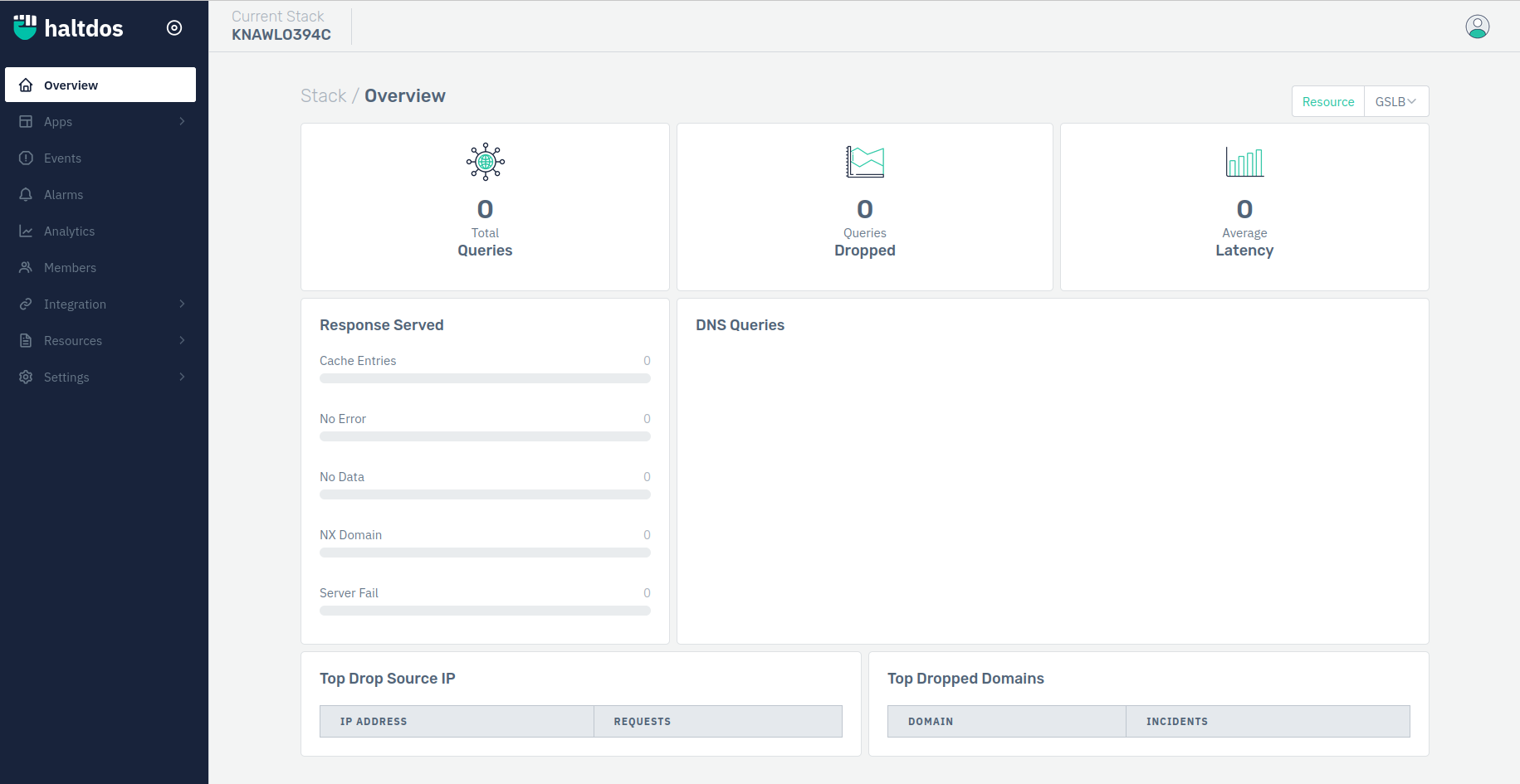
- Now go to Apps > GSLB > Listener Page will appear > Select Domain Filters.

- Click on Add Domain Filter > Configure Domain Filter > Click on Save Changes.

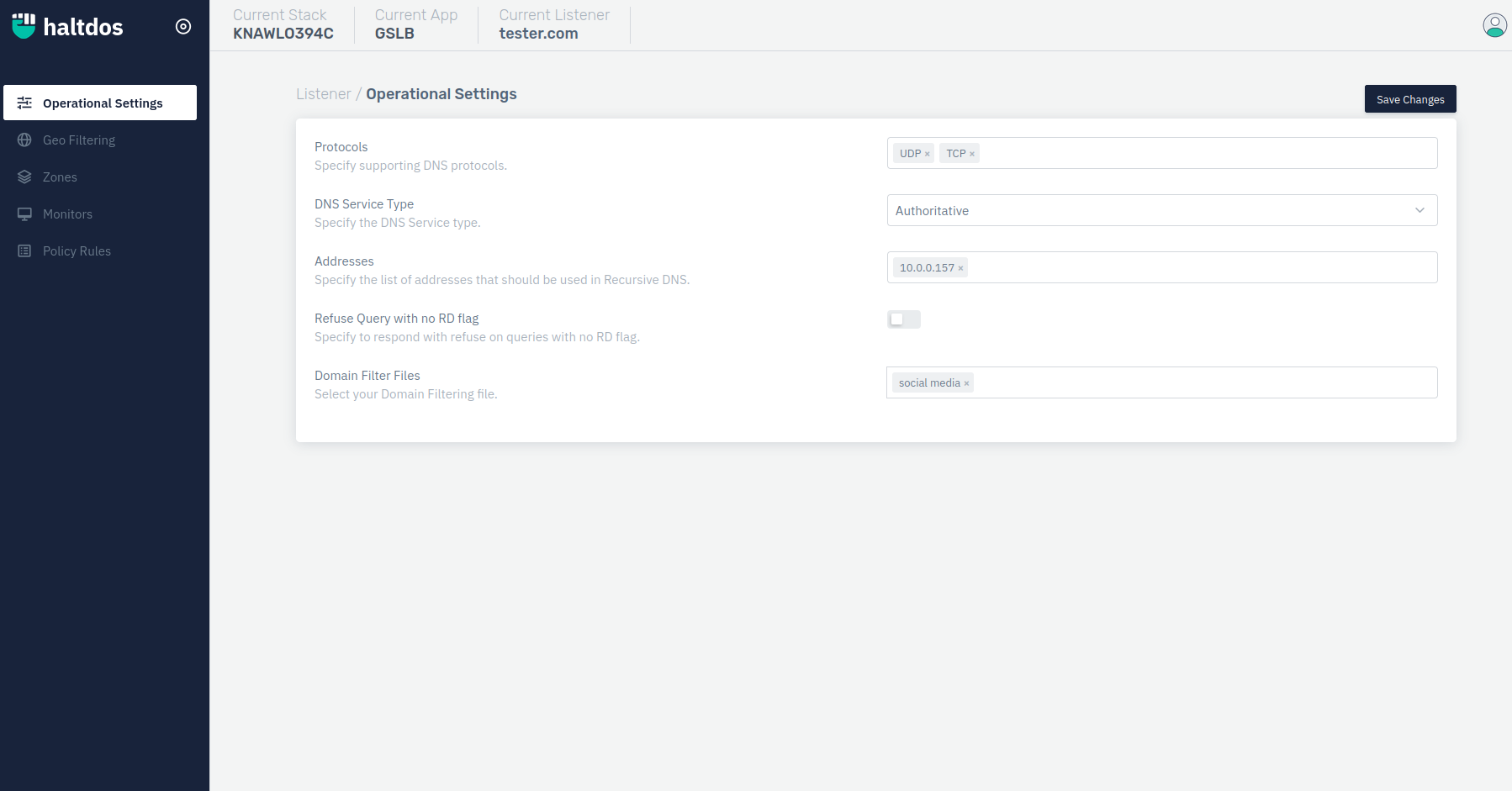
- Go Back to Listener > Select a Listener > Operational Page will appear > Select Domain Filter File from Drop Down you have created > Click on Save Changes.