KB: 2016
How customer can apply different policies on the basis of specific OS, Device or Browser?
Problem Statement I
The client requires device detection to be enabled on the listener level for Client OS.
Solution
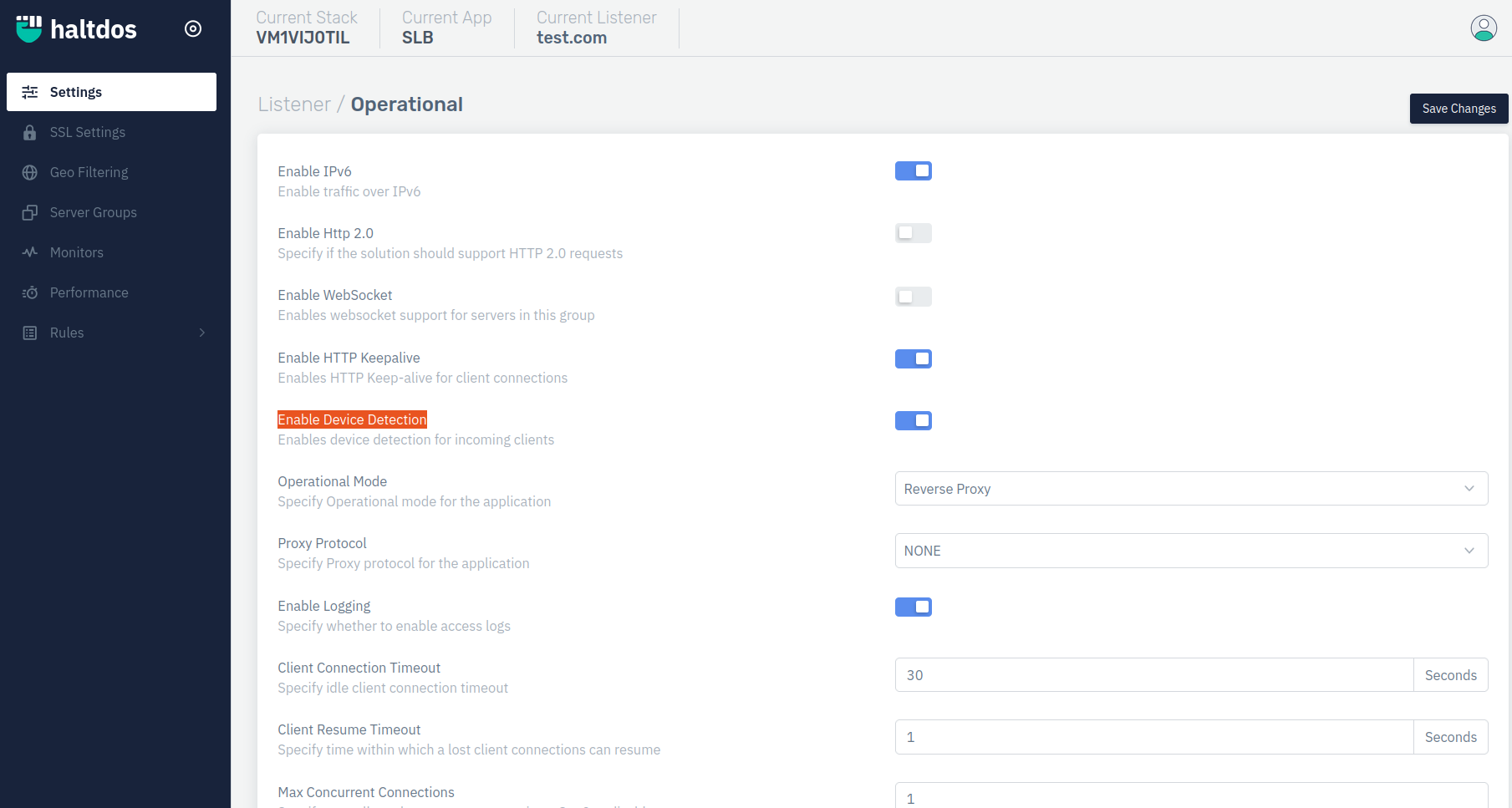
The above requirement can be achieved by enabling device detection option under listener in Haltdos SLB.
- Login into Haltdos console.
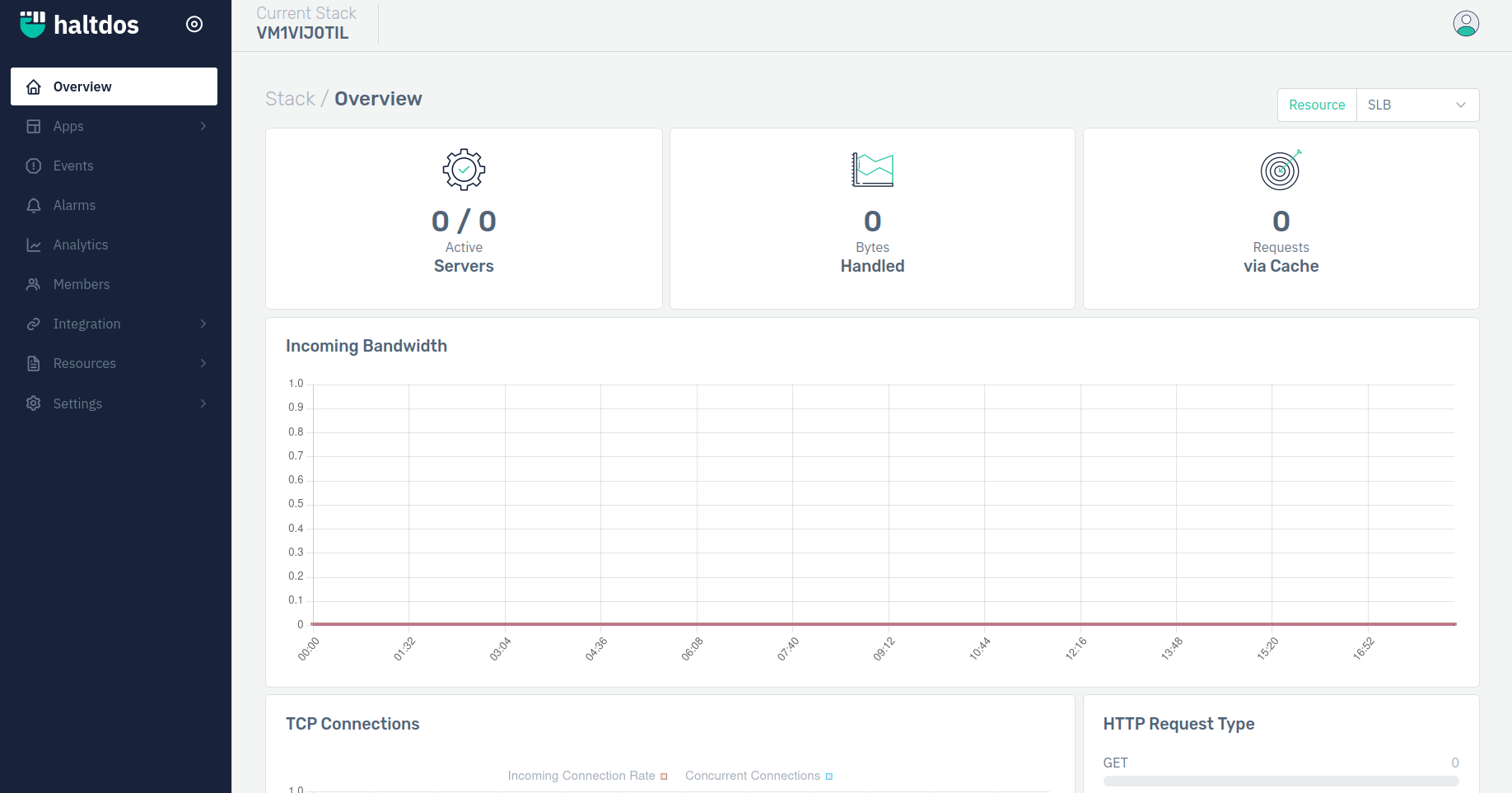
- Go to Apps > SLB > Listeners > Settings.

- Enable the device detection option.
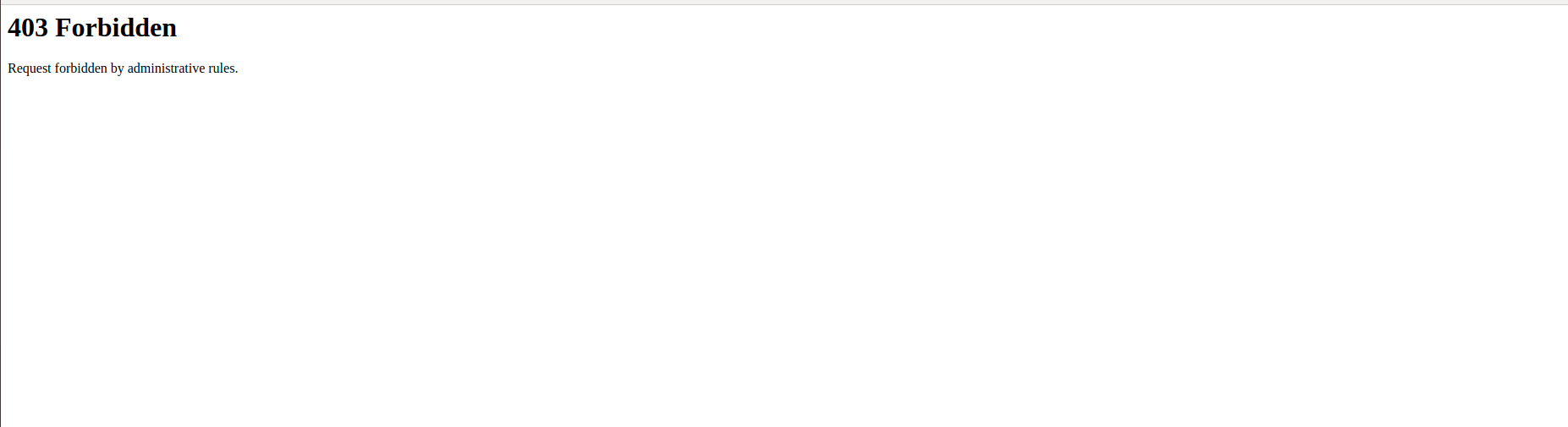
- To verify device detection:- Go to Apps > SLB > Listeners > Rules > Policy rule > Add rule > Add condition > Save changes.

- If the request comes from the Chrome browser, the request will be drooped as we mention in above rule action.
Problem Statement II
The client requires device detection to be enabled on the listener level for Client Device.
Solution
The above requirement can be achieved by enabling device detection option under listener in Haltdos SLB.
Steps to Solve:-
- First log into the Haltdos management portal.
- Go to Apps > SLB > listener name > listener settings.
- Enable device detection option.
- Go to Apps > SLB > Listeners > Rules > Policy rule > Add rule > Add condition > Save changes.
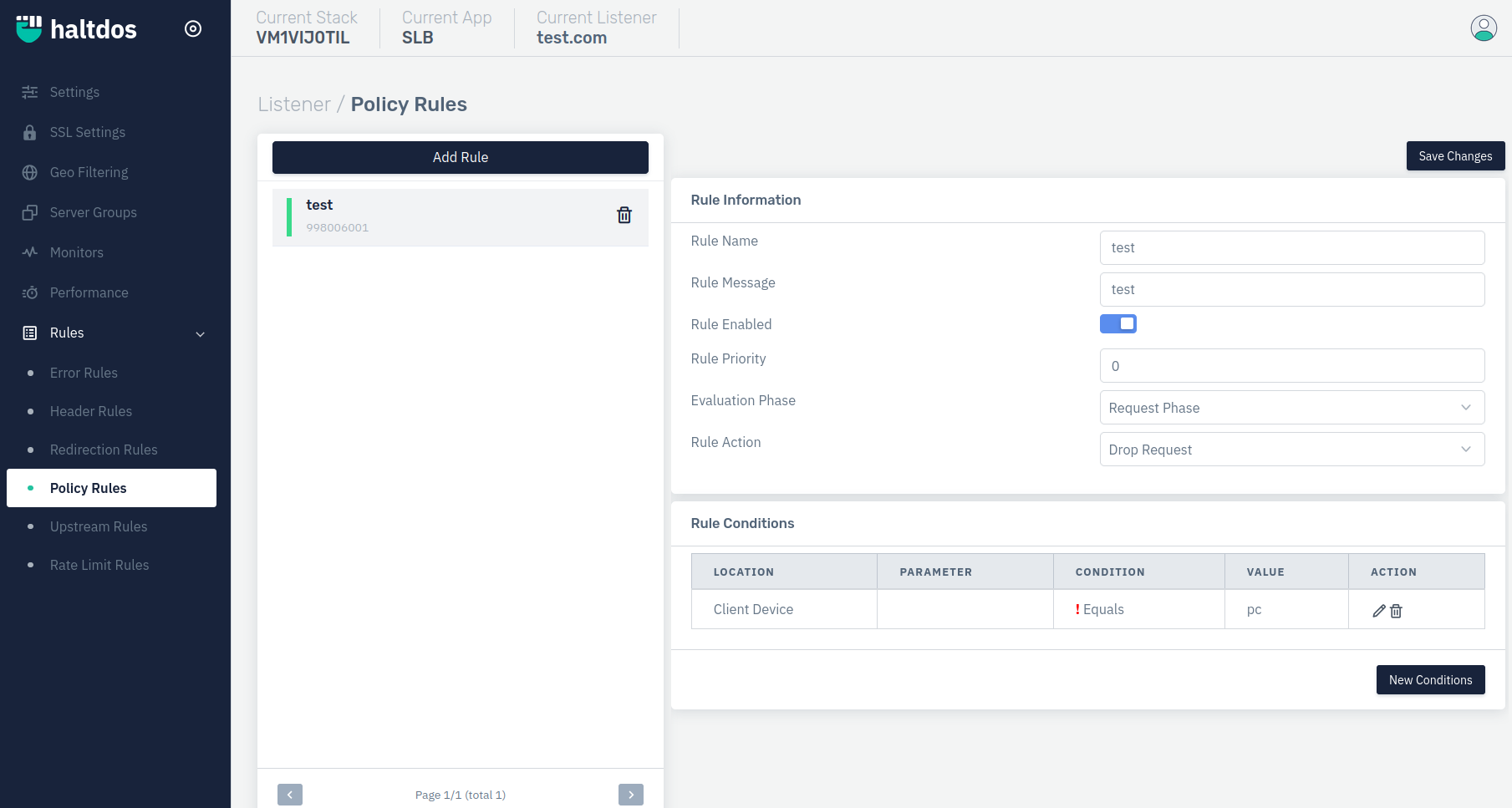
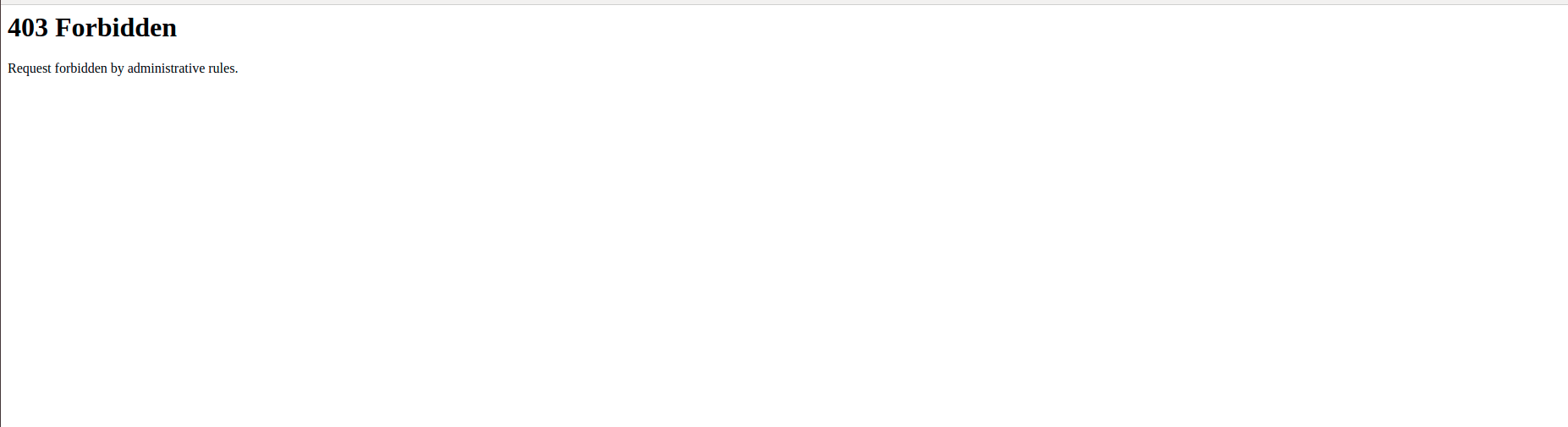
- If the request coming from chrome browser the request will be drooped as we mention in above rule action.
Problem Statement III
The client requires device detection to be enabled on the listener level for Client Browser.
Steps to Solve:-
- First log into the Haltdos management portal.
- Go to Apps > SLB > listener name > listener settings.
- Enable device detection option.
- Go to Apps > SLB > Listeners > Rules > Policy rule > Add rule > Add condition > Save changes.

- If the request coming from chrome browser the request will be drooped as we mention in above rule action.