Networks
Configuring Networks in Haltdos IPAM
The Networks section in IP Address Management (IPAM) allows users to define and organize IP networks for effective address allocation and tracking. Each network represents a defined IP range or subnet within the managed infrastructure.
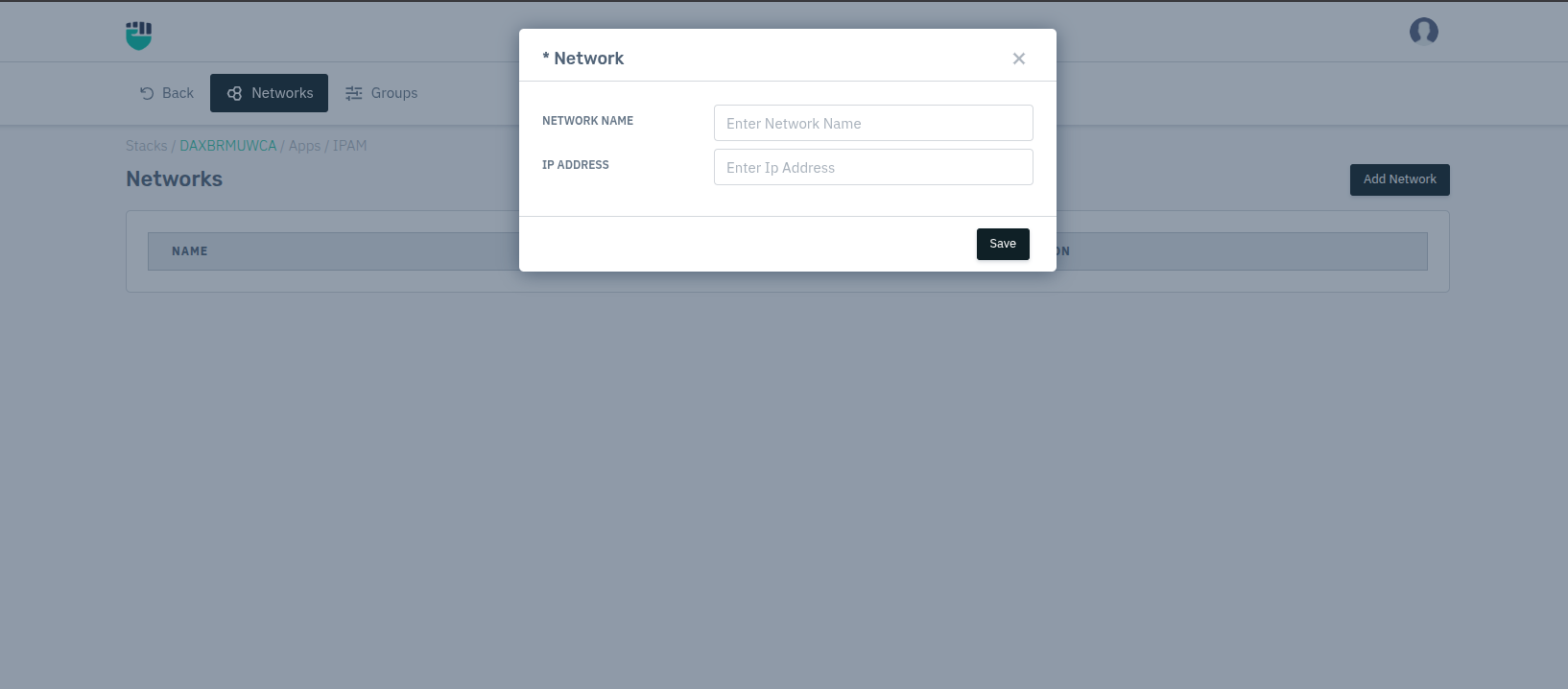
Users can configure the following parameters:
-
Network Name
Enter a unique name to identify the network. -
IP Address
Specify the IP address (IPv4 or IPv6) associated with the network or subnet.
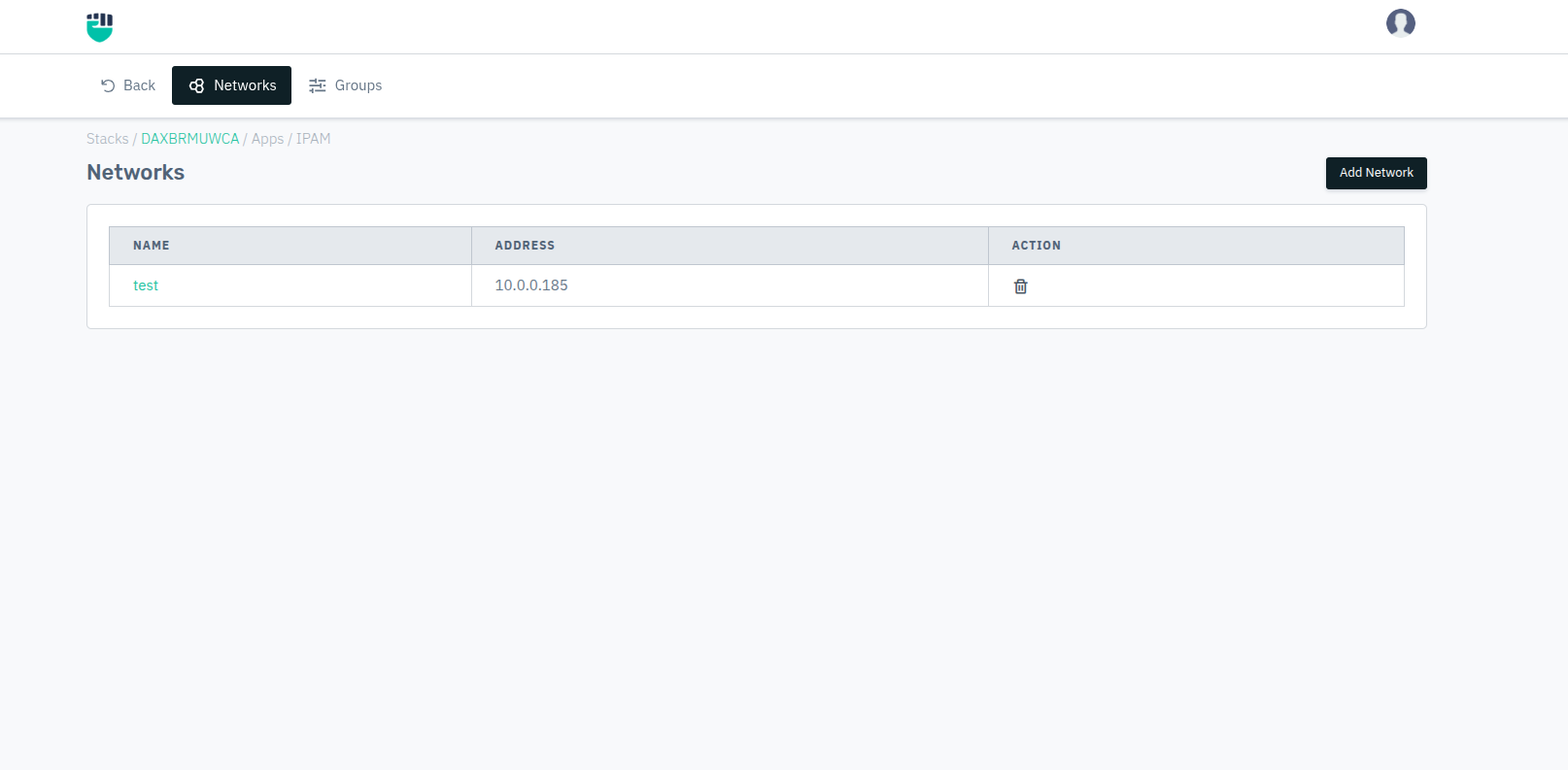
After configuring the network, it will appear like this.
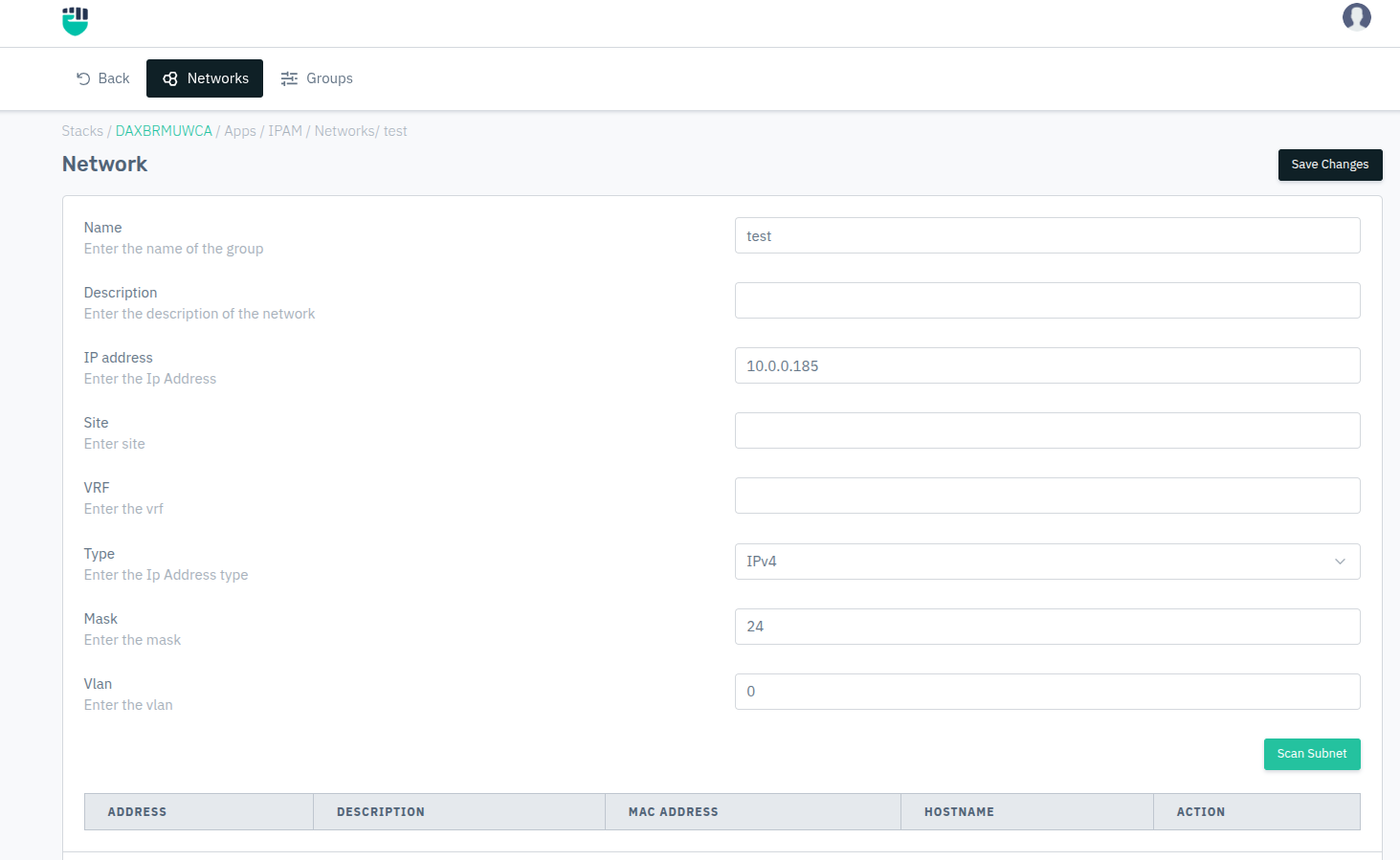
Then select the configured network to configure it:
Description
The Networks section in IP Address Management (IPAM) allows users to define individual network configurations, including their addressing scheme, site association, and VLAN tagging. These configurations help in efficiently managing and segmenting IP address spaces across the infrastructure.
Name
Specify the name of the network. This helps identify and label the network configuration uniquely within IPAM.
Accepted values: String

Default: Blank
Description
Provide a short description of the network to help administrators understand its purpose or scope.
Accepted values: String

Default: Blank
IP Address
Enter the IP address associated with the network. This can represent the base address of the subnet or a specific network identifier.
Accepted values: IPv4 / IPv6 address

Default: 10.0.0.185
Site
Specify the site name or location where this network is deployed.
This field helps map logical IP structures to physical or geographical locations.
Accepted values: String

Default: Blank
VRF
Enter the Virtual Routing and Forwarding (VRF) instance name associated with this network.
VRF allows multiple routing tables to exist on the same router, enabling logical network separation.
Accepted values: String

Default: Blank
Type
Select the IP address type used for the network configuration.
  Accepted values: IPv4 / IPv6

  Default: IPv4
Mask
Specify the subnet mask in CIDR notation.
This determines the size of the network and the number of available host addresses.
Accepted values: Integer (CIDR format)

Example: 24
VLAN
Enter the Virtual Local Area Network (VLAN) ID associated with the network.
VLANs enable logical segmentation of network traffic within the same physical infrastructure.
  Accepted values: Integer

  Default: 0
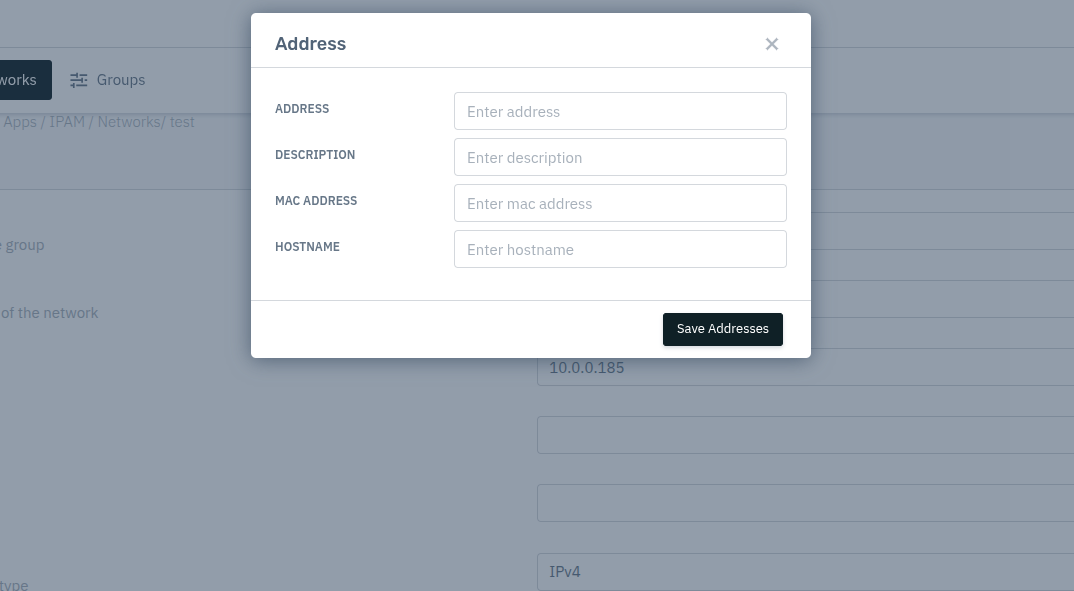
After configuring the network, the port can be further configured from here
Once networks are configured, they can be grouped and managed under the Groups section for better segmentation and control of IP resources.